Lightroom's February 2026 Update Just Changed How I Start Every Edit

Lightroom's February 2026 Update Just Changed How I Start Every Edit

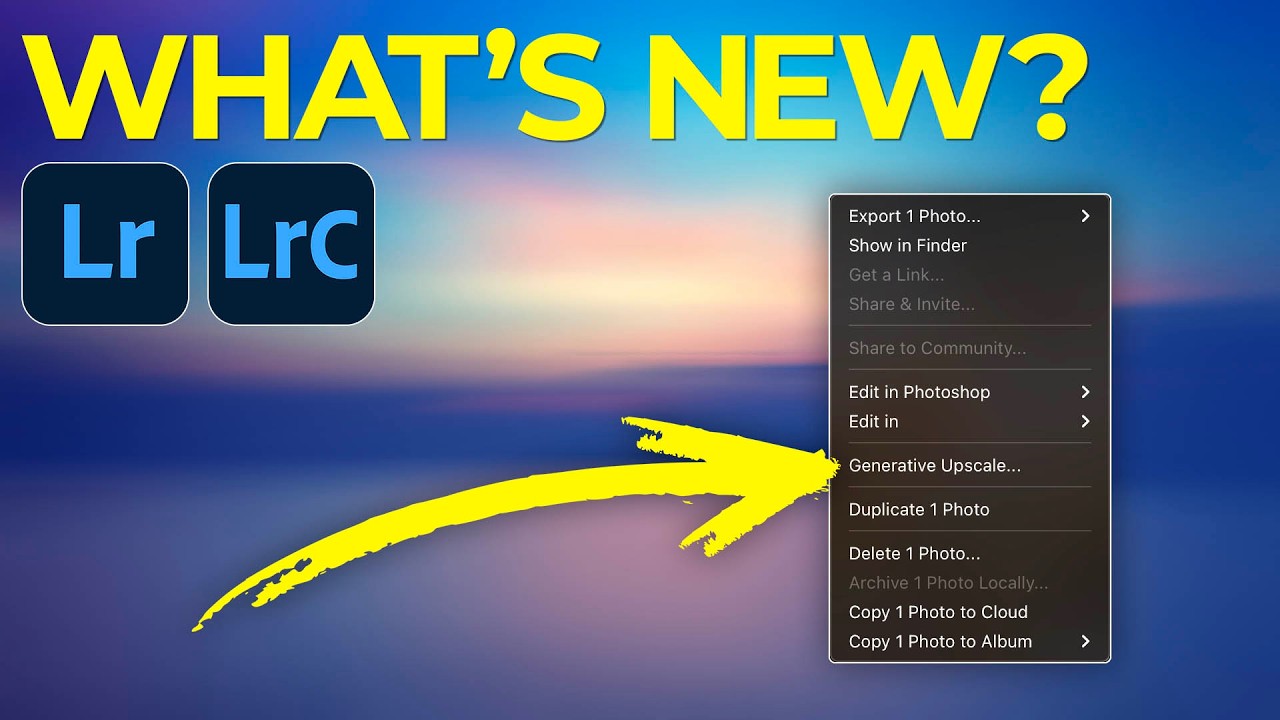
Every time Adobe drops a Lightroom update, I do the same thing. I clear my afternoon, brew coffee, and sit down expecting a revelation. Sometimes I get one. Sometimes I get WebP support and a button that opens a web browser. The February 2026 update lands somewhere in the middle, and I want to be straight with you about that before you spend an hour hunting for features that aren’t really there.


TourBox Elite Gets a Major Price Cut – Here's Why It's a Game-Changer for Lightroom Editors

TourBox Elite Gets a Major Price Cut – Here's Why It's a Game-Changer for Lightroom Editors

TourBox Elite Gets a Major Price Cut – Here’s Why It’s a Game-Changer for Lightroom Editors If you’ve ever found yourself tangled in keyboard shortcuts while trying to nail that perfect skin tone in Lightroom, or watched your mouse hand cramp during an eight-hour editing marathon, I’ve got some good news. The TourBox Elite is currently discounted by $92, and honestly? It might be one of the best investments you make for your editing setup this year.

How I Edit 200 Photos in 20 Minutes Using Lightroom's Batch Tools (Without Everything Looking the Same)

How I Edit 200 Photos in 20 Minutes Using Lightroom's Batch Tools (Without Everything Looking the Same)

Last month I finished a 214-image shoot by midnight. I had the whole catalog exported by 12:47 AM. That’s not because I rushed, cut corners, or slapped one preset on everything and called it done. It’s because I’ve spent years building a batch editing system inside Lightroom Classic that actually respects the difference between a hero shot and a throwaway frame, and applies effort proportionally to both. Most photographers treat batch editing like a dirty shortcut.

The Lightroom Conference 2025 Is Coming — Here's Why I Clear My Calendar Every Year

The Lightroom Conference 2025 Is Coming — Here's Why I Clear My Calendar Every Year

There’s a particular kind of editing fatigue that creeps in after a few years of winging it in Lightroom. You know the one. You’re dragging the same sliders to roughly the same places, your export folder is a graveyard of “final_FINAL_v3” files, and somewhere in the back of your mind you’re aware that you’re probably using maybe 40 percent of what the software can actually do. I’ve been there. I spent years teaching myself Lightroom out of necessity, back when I was editing band press shots on a laptop in a van, and while I got good at it, I also built some deeply inefficient habits that took a long time to unlearn.

What This Year's Ocean Photography Winners Can Teach Us About Color Grading

What This Year's Ocean Photography Winners Can Teach Us About Color Grading

What This Year’s Ocean Photography Winners Can Teach Us About Color Grading The United Nations just crowned the champions of their World Oceans Day photography competition, and I’ve been absolutely mesmerized by what won. Not just because the images are stunning—though they absolutely are—but because they showcase some seriously thoughtful color grading decisions that we can all learn from. Competing in the Deep Blue This year’s edition introduced a fresh category called “Connecting Oceans,” which feels like the perfect evolution for a competition that’s grown increasingly competitive.

TourBox Dynamic Panel V2 Transforms Lightroom Into a Distraction-Free Editing Studio

TourBox Dynamic Panel V2 Transforms Lightroom Into a Distraction-Free Editing Studio

TourBox Dynamic Panel V2 Transforms Lightroom Into a Distraction-Free Editing Studio When I first heard about TourBox’s Dynamic Panel plugin last year, I thought it was solving a problem I didn’t know I had. But after spending time with the updated V2 version, I’ve completely changed my tune. This is genuinely one of the smartest approaches to Lightroom editing I’ve seen in years. The Full-Screen Dream We’ve All Wanted Let’s be honest: Lightroom’s interface can feel cramped sometimes.

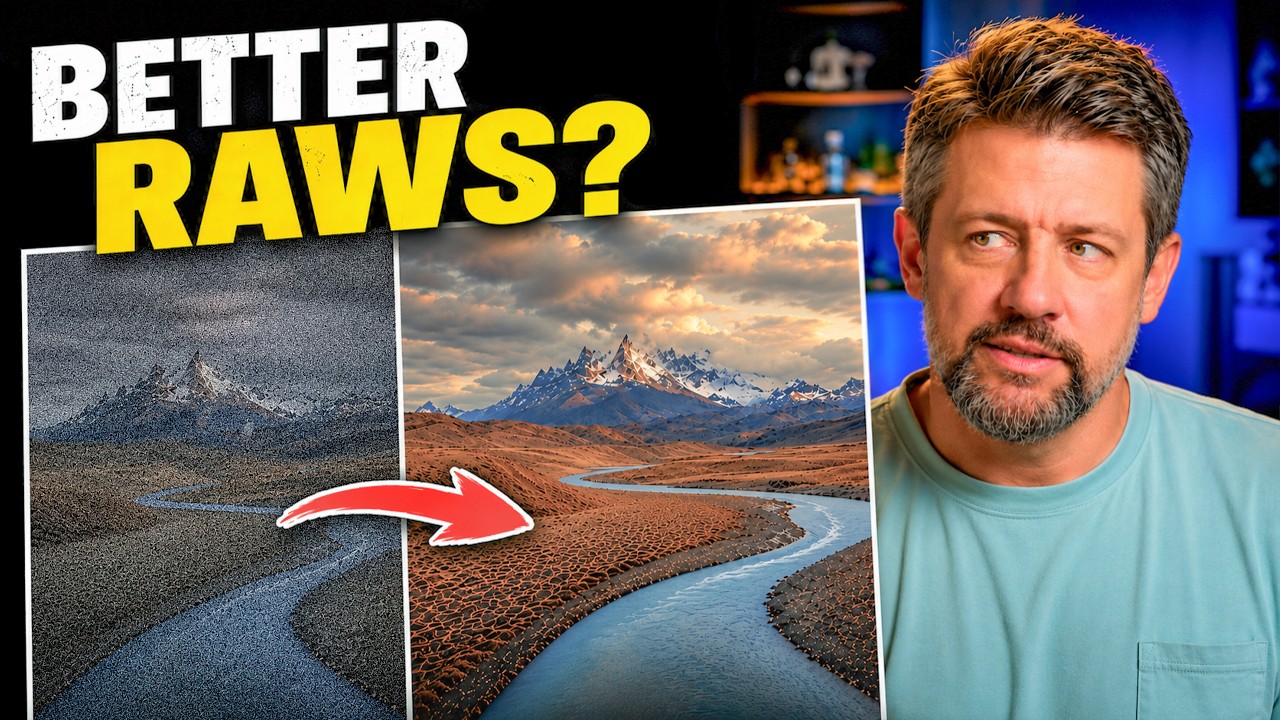
The RAW Processing Step I Kept Skipping (And Why I Finally Stopped)

The RAW Processing Step I Kept Skipping (And Why I Finally Stopped)

I have a rule about my editing workflow: if it adds more than one extra step, it probably isn’t sticking around. I learned Lightroom under pressure, back when my band couldn’t afford a photographer and someone had to edit our press shots, so lean and fast became a survival instinct that never really left. That instinct has served me well. It has also made me dismiss a lot of genuinely useful tools because I assumed the setup cost wasn’t worth it.

Luminar Neo's Game-Changing Lightroom Import: What Editors Need to Know

Luminar Neo's Game-Changing Lightroom Import: What Editors Need to Know

Luminar Neo’s Game-Changing Lightroom Import: What Editors Need to Know The editing software landscape just got a little more interesting. Skylum dropped version 1.27.1 of Luminar Neo this week, and they’ve included a feature that’s been on many photographers’ wishlists: the ability to import your entire Lightroom library directly into their platform. I’ll be honest—when I first heard about this, my immediate reaction was “finally.” For years, switching from Adobe’s ecosystem has felt like abandoning your digital photo babies.

The Art of Editing Magazine Cover Photography: Lessons From a Mexico Shoot

The Art of Editing Magazine Cover Photography: Lessons From a Mexico Shoot

The Weight of the Cover Shot There’s something almost magical about magazine covers in our digital age. While Instagram stories vanish in 24 hours and TikToks blur together in endless feeds, a cover sits on a newsstand. It demands attention. It gets printed. It matters. Recently, I had the opportunity to photograph a major editorial cover featuring an athlete most people recognize. Shooting in Mexico, far from the magazine’s home base, I realized something fundamental about editorial work: the editing process isn’t just technical refinement—it’s storytelling at its finest.

Apple's Silent RAW Revolution: What iOS 18's Core Image Engine Means for Your Mobile Editing

Apple's Silent RAW Revolution: What iOS 18's Core Image Engine Means for Your Mobile Editing

Apple’s Silent RAW Revolution: What iOS 18’s Core Image Engine Means for Your Mobile Editing I’ve been watching Apple’s approach to computational photography for years, and I have to say—their latest move is genuinely impressive. While everyone’s obsessing over AI features and new cameras, Apple just quietly dropped one of the most important technical upgrades for mobile photographers: a complete overhaul of their RAW file processing engine. The Update Nobody’s Talking About Core Image RAW 9 doesn’t sound sexy.

Why Your Exported Photos Look Nothing Like Your Lightroom Edits (And How to Fix It)

Why Your Exported Photos Look Nothing Like Your Lightroom Edits (And How to Fix It)

I had a client email me once asking why the headshots I delivered looked “washed out and kind of gray” compared to the previews I’d sent over iMessage. I’d spent two hours on those edits. Warm shadows, lifted blacks, a custom preset I’d built around a Gillian Welch record. They looked perfect on my screen. On hers, they looked like they’d been run through a photocopy machine. The edit wasn’t broken.

How AI Color Grading is Reshaping Creative Workflows in 2024

How AI Color Grading is Reshaping Creative Workflows in 2024

The AI Revolution Hits Your Edit Suite I’ve been watching the intersection of artificial intelligence and creative tools pretty closely lately, and honestly? We’re at an inflection point. What used to require years of Lightroom mastery is becoming accessible to anyone willing to experiment with emerging technologies. The creative tools landscape just got more interesting. Advanced AI models are rolling out to mainstream users in ways that feel genuinely transformative—not just hype.