There’s a particular kind of editing fatigue that creeps in after a few years of winging it in Lightroom. You know the one. You’re dragging the same sliders to roughly the same places, your export folder is a graveyard of “final_FINAL_v3” files, and somewhere in the back of your mind you’re aware that you’re probably using maybe 40 percent of what the software can actually do. I’ve been there. I spent years teaching myself Lightroom out of necessity, back when I was editing band press shots on a laptop in a van, and while I got good at it, I also built some deeply inefficient habits that took a long time to unlearn.
That’s exactly the gap that Scott Kelby is targeting with the Kelby1 Lightroom Conference 2025. In this Scott Kelby tutorial preview, he lays out what’s coming on May 13th and 14th: a two-day live training event built for photographers who want to stop guessing and start editing with actual intention. Watch the full tutorial on YouTube to see the official trailer and get the full picture of what’s covered.
What caught my attention isn’t just the topic list, it’s the structure. Two focused days, expert-led sessions, and a one-year replay so you can actually revisit the material when a specific problem shows up in your work. That last part matters more than people realize. The best training is the kind you can return to at the exact moment you need it, not just consume once and forget.
Step 1: Understand What’s Actually on the Table
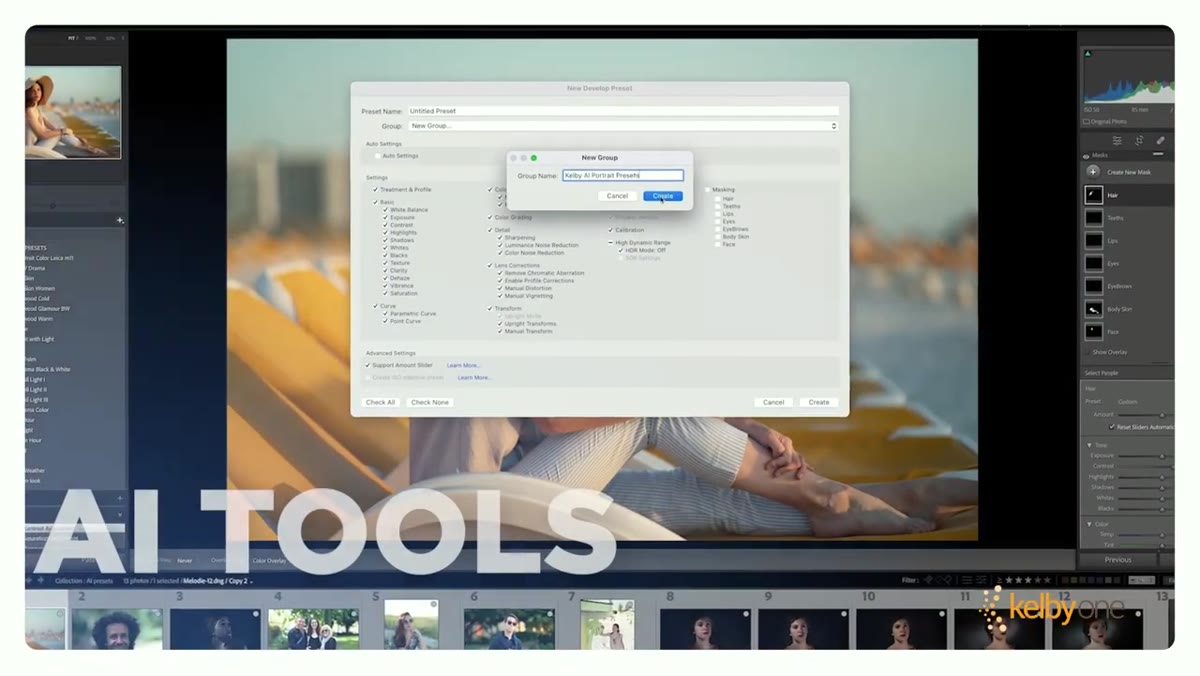 Lightroom conference overview slide listing all covered topics
Before you commit to any training event, you need to know whether the content matches where you actually struggle. The Lightroom Conference 2025 covers AI tools and the latest Lightroom features, portrait retouching, landscape editing, mobile workflows, and batch automation. That’s not a beginner list. Those are the specific areas where intermediate and advanced photographers tend to hit walls. If you’ve ever tried to retouch a portrait and felt like you were fighting the software instead of working with it, or if your mobile and desktop catalogs feel like they belong to two different people, this conference is addressing your actual problems.
Lightroom conference overview slide listing all covered topics
Before you commit to any training event, you need to know whether the content matches where you actually struggle. The Lightroom Conference 2025 covers AI tools and the latest Lightroom features, portrait retouching, landscape editing, mobile workflows, and batch automation. That’s not a beginner list. Those are the specific areas where intermediate and advanced photographers tend to hit walls. If you’ve ever tried to retouch a portrait and felt like you were fighting the software instead of working with it, or if your mobile and desktop catalogs feel like they belong to two different people, this conference is addressing your actual problems.
The key word in Kelby’s pitch is “master.” Not “get started with,” not “explore the basics of.” He’s positioning this as a skills-consolidation event, which is the right framing for photographers who already know their way around Lightroom but want sharper, faster, more intentional results.
Step 2: Prioritize the AI Tools Session
 Close-up of AI tools section in conference curriculum graphic
Lightroom’s AI features have moved faster in the last two years than in the previous decade combined. Masking with AI subject selection, denoise, generative tools, and adaptive presets have changed what’s possible in a single editing session. The problem is that most photographers adopt one or two of these features and ignore the rest, usually because they discovered them by accident and never got a proper introduction.
Close-up of AI tools section in conference curriculum graphic
Lightroom’s AI features have moved faster in the last two years than in the previous decade combined. Masking with AI subject selection, denoise, generative tools, and adaptive presets have changed what’s possible in a single editing session. The problem is that most photographers adopt one or two of these features and ignore the rest, usually because they discovered them by accident and never got a proper introduction.
If there’s a single session I’d prioritize at a conference like this, it’s the AI tools walkthrough. Understanding how these tools connect to each other, which ones to use for which scenarios, and where they still fall short, is the difference between using Lightroom like it’s 2019 and using it like it’s actually 2025. Kelby’s team has been covering Lightroom at this level for years, so you’re not getting a surface-level feature tour. You’re getting a working photographer’s honest assessment of what’s actually useful.
Step 3: Take the Portrait Retouching Sessions Seriously
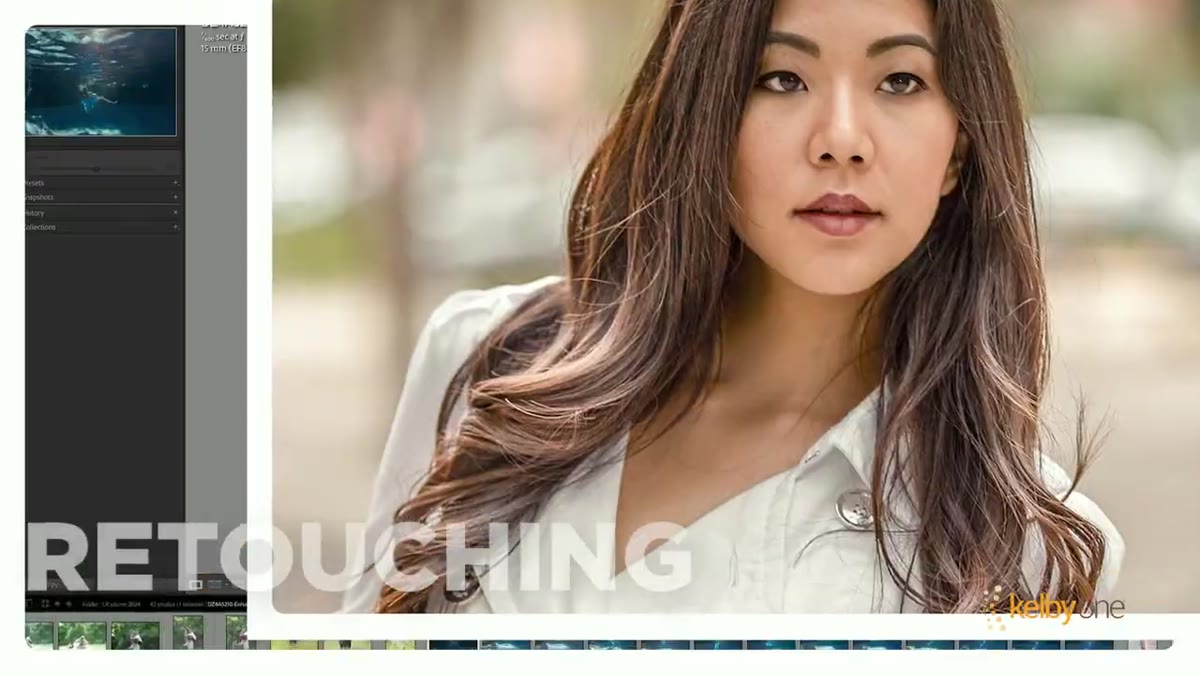
 Portrait retouching demo in the conference trailer footage
Portrait editing is where most photographers have the biggest gap between what they want and what they can actually execute. The tools exist. The problem is knowing the order of operations, how aggressive to push each adjustment before it starts looking wrong, and how to use masking precisely enough that your skin smoothing doesn’t bleed into the eyes or hairline.
Portrait retouching demo in the conference trailer footage
Portrait editing is where most photographers have the biggest gap between what they want and what they can actually execute. The tools exist. The problem is knowing the order of operations, how aggressive to push each adjustment before it starts looking wrong, and how to use masking precisely enough that your skin smoothing doesn’t bleed into the eyes or hairline.
A good portrait retouching session will teach you to work in layers of intention: start with global corrections, then use AI masking to isolate skin, eyes, and teeth separately, and build adjustments that hold up at 100 percent zoom. Kelby’s approach has always been practical over theoretical, which is why his tutorials translate directly into your actual editing sessions rather than just sounding good in the moment.
Step 4: Don’t Skip the Batch Automation and Mobile Workflow Content
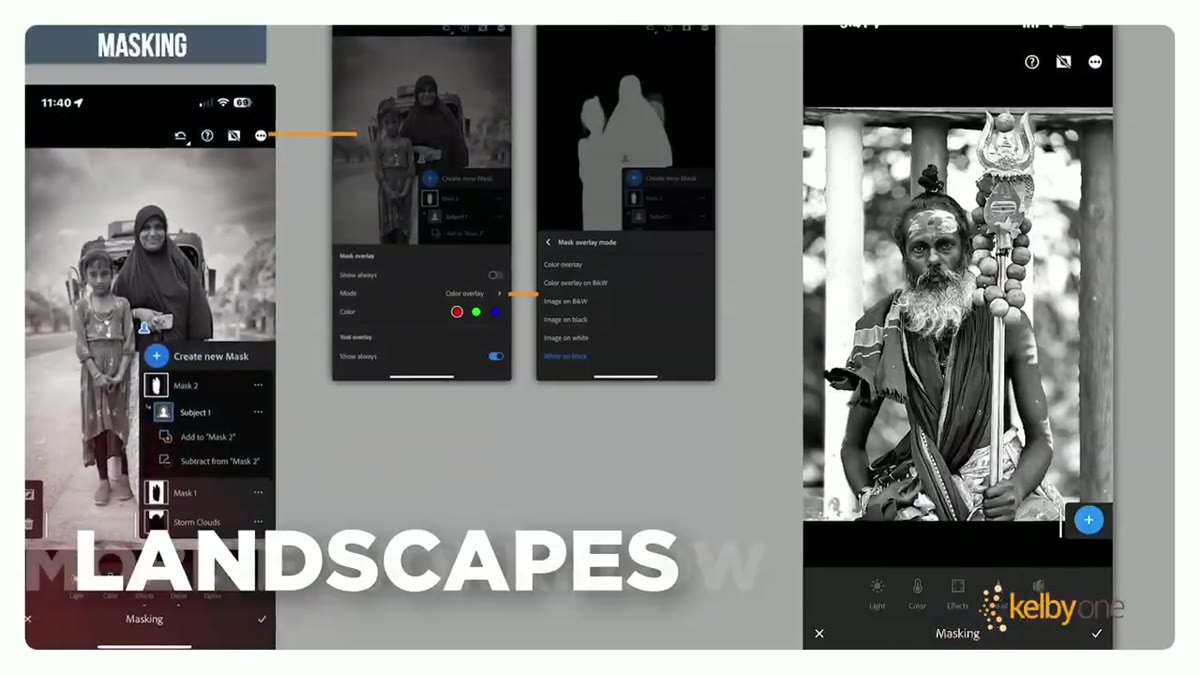
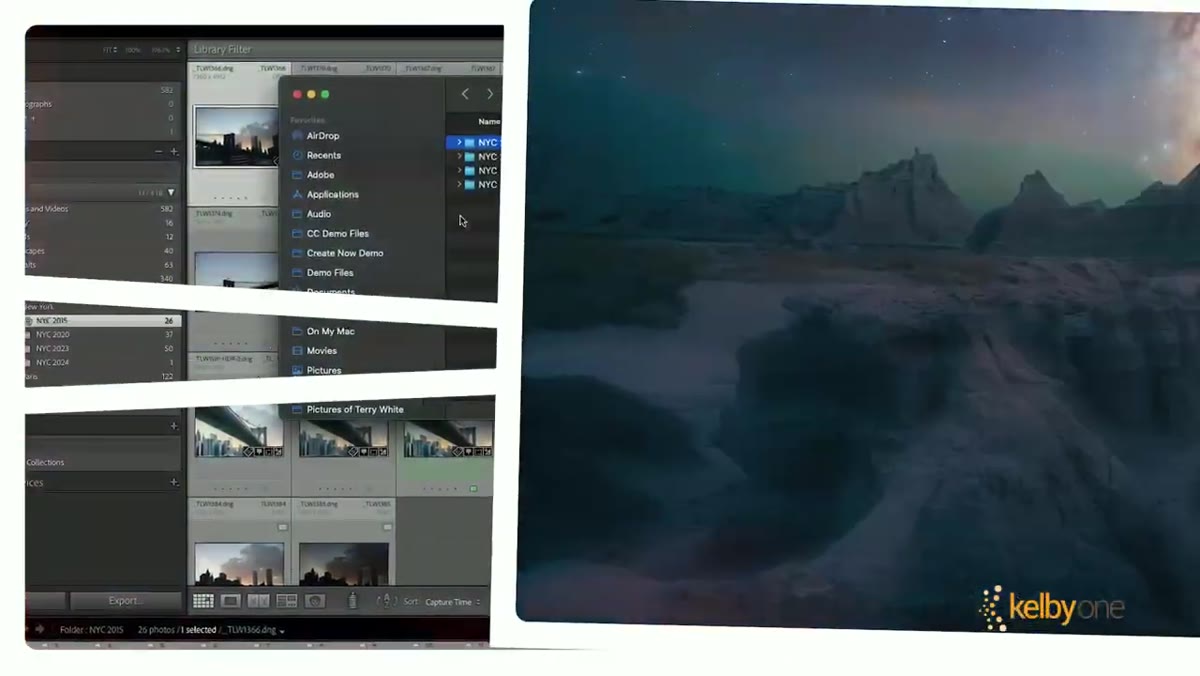 Batch workflow and mobile Lightroom interface shown in trailer
Batch automation is the most underused time-saver in Lightroom, and mobile workflows are the most misunderstood. Most photographers treat batch editing as “apply a preset and call it done,” but real batch automation means building sync structures that let you move through a hundred images in the time it used to take you to edit ten. That means mastering copy-paste settings, virtual copies, smart previews, and knowing exactly which adjustments should be global versus image-specific.
Batch workflow and mobile Lightroom interface shown in trailer
Batch automation is the most underused time-saver in Lightroom, and mobile workflows are the most misunderstood. Most photographers treat batch editing as “apply a preset and call it done,” but real batch automation means building sync structures that let you move through a hundred images in the time it used to take you to edit ten. That means mastering copy-paste settings, virtual copies, smart previews, and knowing exactly which adjustments should be global versus image-specific.
The mobile workflow piece is equally important if you ever edit on a phone or tablet, or if you want to triage and cull images away from your desk. Getting your mobile and desktop libraries to behave as one cohesive system requires intentional setup, and it’s the kind of thing that’s much faster to learn from someone who’s already figured out the pitfalls.
Step 5: Use the One-Year Replay as a Reference Library
 One-year replay access benefit highlighted in conference trailer
This is the detail that upgrades the value of the whole event. A one-year replay means you’re not racing to absorb everything in real time. Watch the live sessions for context and the big-picture thinking, then use the replay to go deep on the specific techniques that apply to your current work. When you pick up a new portrait project three months from now, go back to the retouching session. When a client asks for a consistent look across 400 images, rewatch the batch automation content.
One-year replay access benefit highlighted in conference trailer
This is the detail that upgrades the value of the whole event. A one-year replay means you’re not racing to absorb everything in real time. Watch the live sessions for context and the big-picture thinking, then use the replay to go deep on the specific techniques that apply to your current work. When you pick up a new portrait project three months from now, go back to the retouching session. When a client asks for a consistent look across 400 images, rewatch the batch automation content.
I’ve built most of my best workflows this way, watching something once to understand it, then returning to it when I have a real problem in front of me. That’s when the details actually stick.
My Caveat: A Conference Is Only as Good as What You Do After
Two days of excellent training can still evaporate if you don’t do anything with it in the first 72 hours afterward. My habit after any intensive learning session is to immediately build or rebuild one thing in my actual workflow based on what I learned. Create a new preset. Restructure a folder system. Try the technique on a real client image, not a practice file. That immediate application is what turns good information into muscle memory.
The Lightroom Conference 2025 is clearly structured for photographers who are ready to move from competent to confident. The lineup hits every major weak point in a working photographer’s Lightroom practice, and the replay access means you can learn at the pace your schedule actually allows.
The single most important thing you can take from this: knowing more Lightroom shortcuts doesn’t make you a better editor. Understanding the logic behind the tools does. That’s what a conference like this, led by someone with Kelby’s teaching background, is built to deliver.
Watch the full tutorial on YouTube and see everything the Lightroom Conference 2025 has lined up for May 13th and 14th.
Comments (3)
Love how you break down complex stuff into manageable steps.
Just used this on a wedding shoot edit. Client was thrilled.
Love how you break down complex stuff into manageable steps.
Leave a Comment