Lightroom's Masking Edge Problem Is Finally Fixed - Here's How to Use the New Controls

Lightroom's Masking Edge Problem Is Finally Fixed - Here's How to Use the New Controls

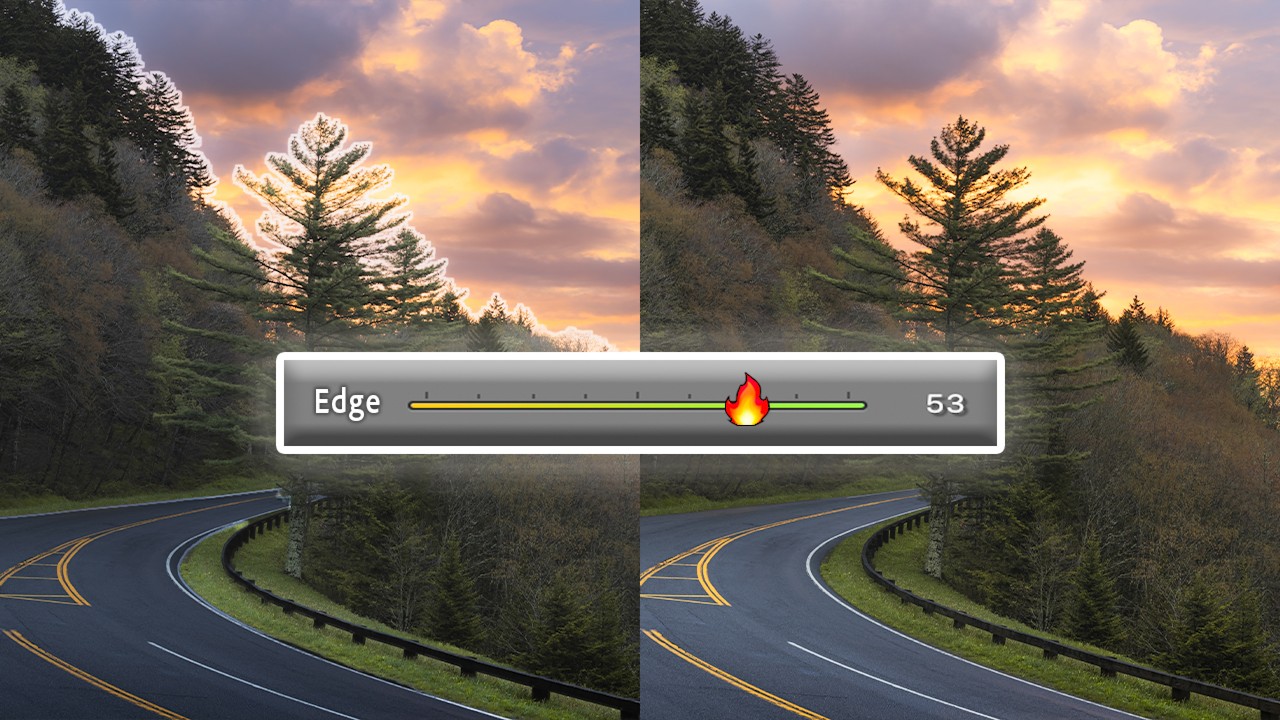
If you’ve spent any real time with Lightroom’s AI masking tools, you already know the specific frustration I’m talking about. You select the sky, make a solid exposure adjustment, and then zoom in to find your tree branches have turned into a soft, smeared mess along the mask boundary. Or you get that telltale halo glowing around every edge like the photo is auditioning for a soap opera. The adjustment itself might be perfect, but the edge blowout kills the whole thing.
How to Build Custom Portrait Proof Sheets in Lightroom's Print Module

How to Build Custom Portrait Proof Sheets in Lightroom's Print Module

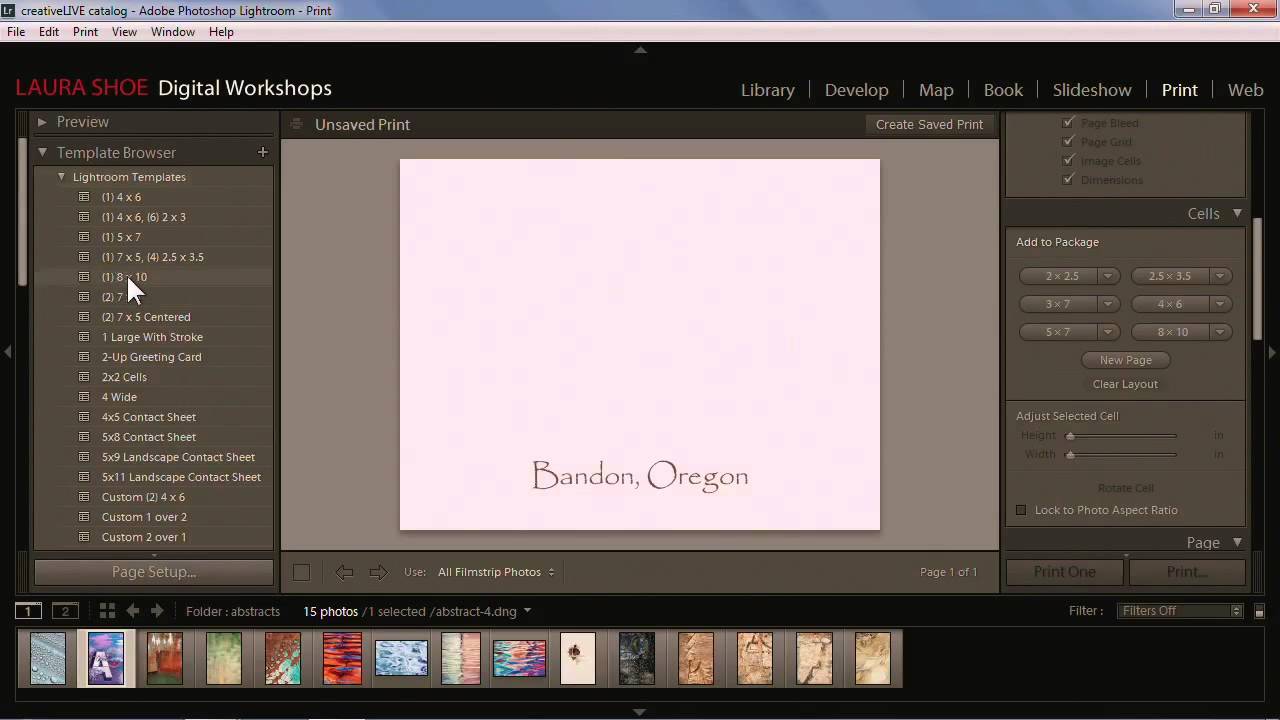
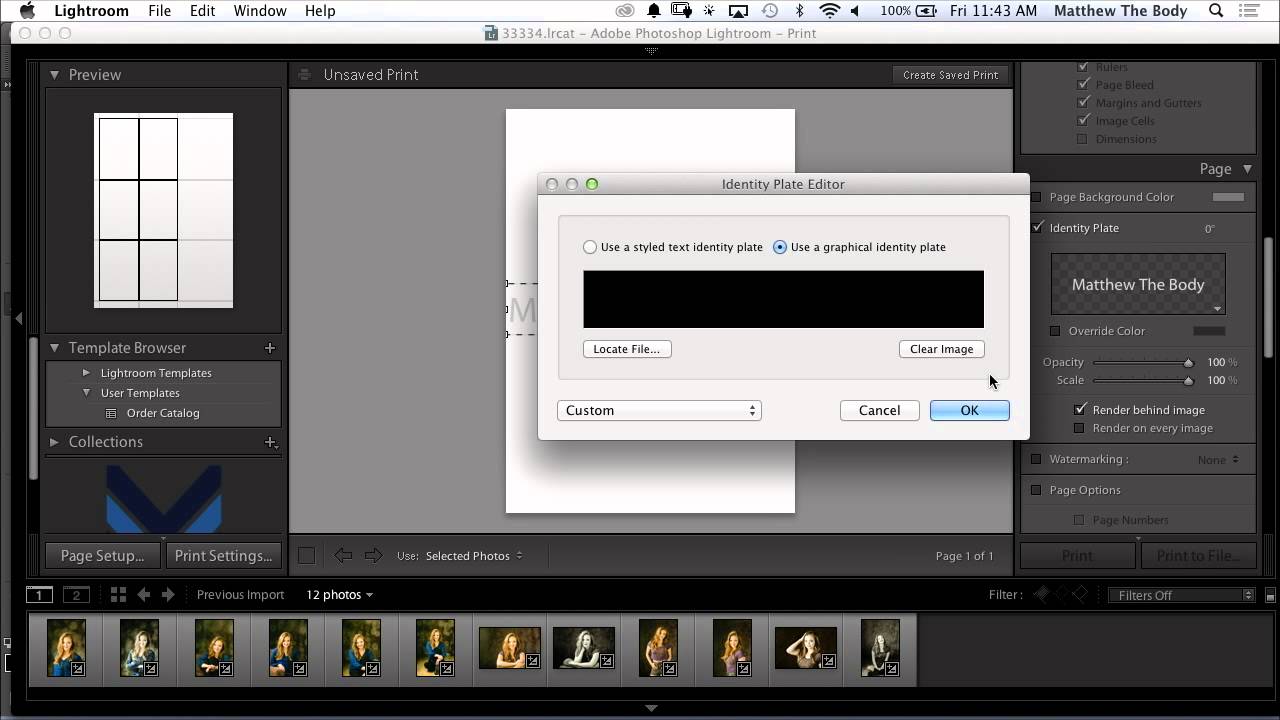
Every photographer I know has a version of the same problem: clients want to see options before committing to a final selection, and sending a folder of 200 JPEGs feels about as professional as handing someone a shoebox of prints. For a long time I was exporting contact sheets from a separate app, which added steps and broke my flow right in the middle of a session. Then I watched this CreativeLive tutorial on customizing portrait proof sheets entirely inside Lightroom, and I realized I’d been ignoring a tool that was sitting in front of me the whole time.

How to Build Custom Lightroom Profiles Using LUTs (And Why It Changes Everything)

How to Build Custom Lightroom Profiles Using LUTs (And Why It Changes Everything)

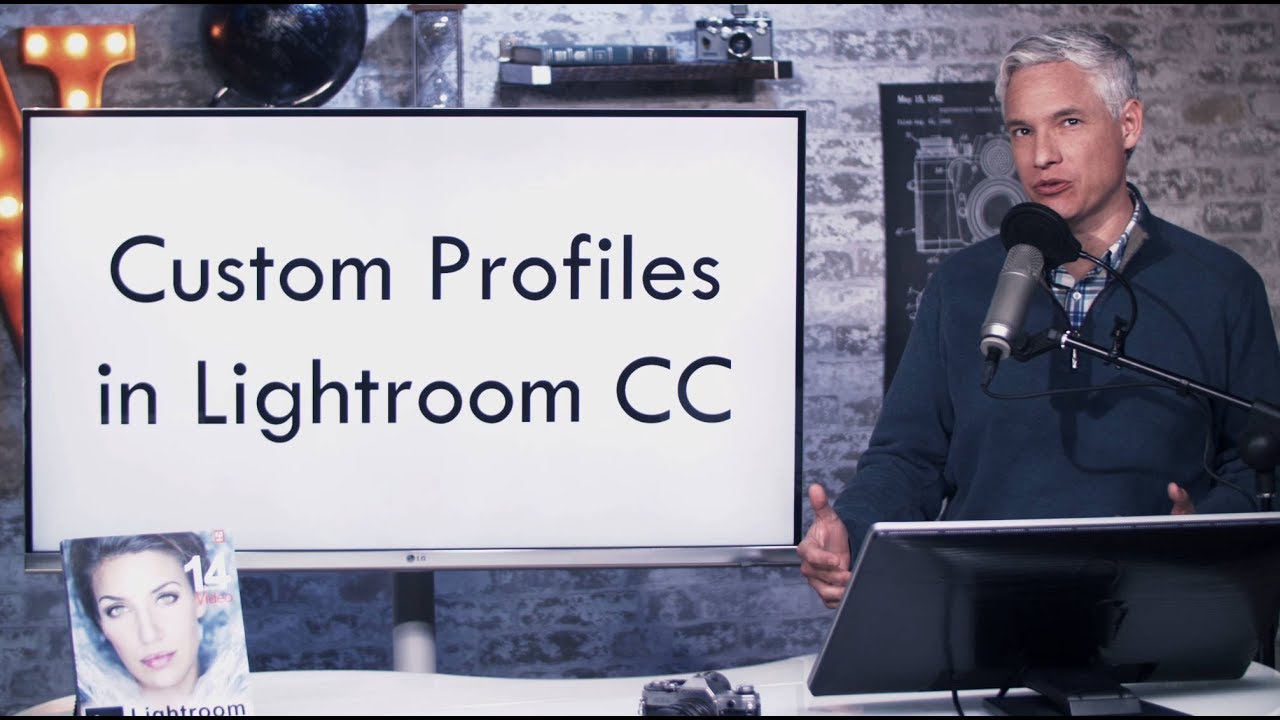
There’s a specific kind of frustration that comes from applying a preset and watching it fight your image the entire way through the edit. The preset wants to go orange and teal. Your photo wants to stay true to the golden hour light you actually shot in. Something always loses. For a long time, my workaround was building elaborate preset stacks, layering adjustments until I got close to the starting point I wanted.

How to Make Your Woodland Photos Look Like Paintings Using Only Lightroom

How to Make Your Woodland Photos Look Like Paintings Using Only Lightroom

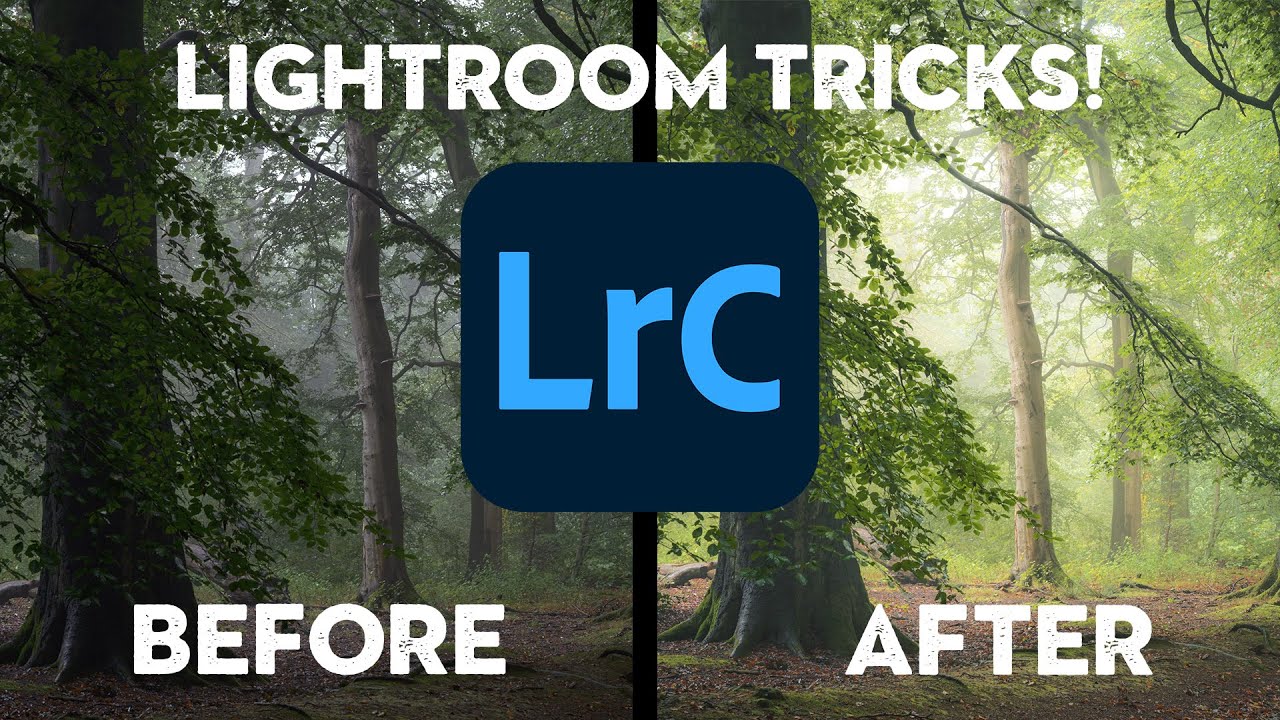
Fog-filled woodland shots are one of those subjects where the camera almost always lies. You’re standing in this genuinely atmospheric scene, the light is doing something magical, and then you pull up the raw file and it looks flat, a little muddy, and about as painterly as a screenshot from Google Maps. I’ve been editing nature photos long enough to know that the gap between what you saw and what the sensor captured is real — and closing that gap is entirely an editing problem.

Stop Doing Noise Reduction One Photo at a Time — Here's the Smarter Lightroom Workflow

Stop Doing Noise Reduction One Photo at a Time — Here's the Smarter Lightroom Workflow

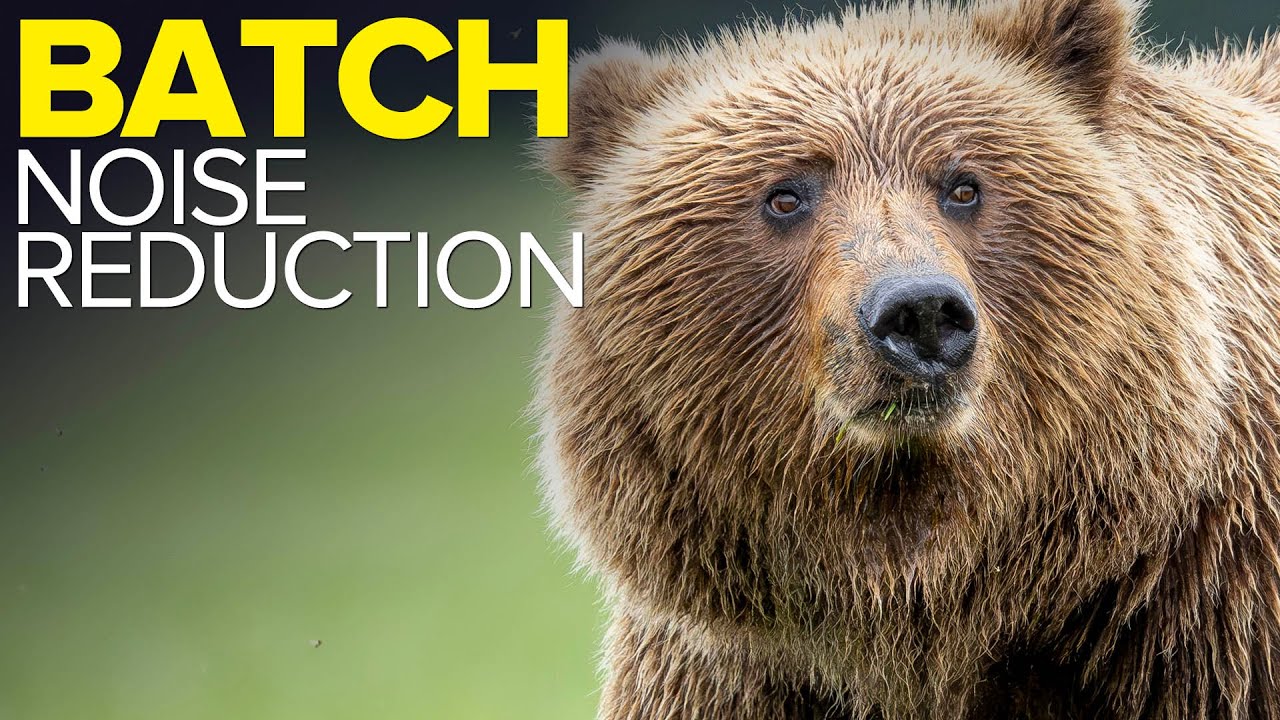
Every time I get back from a shoot in low light, I face the same silent negotiation with myself: do I sit here and run AI Denoise one photo at a time, or do I just hope for the best and export? For a long time I was doing it wrong on both ends, either skipping it entirely or babysitting each file like it owed me money. Then I watched Matt Kloskowski walk through his batch processing workflow after a bear photography trip in Alaska, and something clicked.

From Print to Web to Book: Making Sense of Lightroom's Output Modules

From Print to Web to Book: Making Sense of Lightroom's Output Modules

There’s a moment most Lightroom users hit where editing feels great but actually delivering anything feels like navigating a foreign country without a map. You’ve got a gorgeous, color-graded image sitting in Develop. Now what? Print it? Export it? Build a gallery? The output side of Lightroom is where a lot of people quietly give up and just drag files into a folder. I was doing the same thing for longer than I’d like to admit.

Why Lightroom Feels Sluggish (And the Import Setting That Fixes Most of It)

Why Lightroom Feels Sluggish (And the Import Setting That Fixes Most of It)

There’s a certain irony in spending more time waiting for Lightroom to load a photo than you spent actually taking it. I’ve been there more times than I’d like to admit. Early in my editing career, I chalked slow performance up to some cosmic tax on creative work. Turns out, most of it was self-inflicted. A few wrong settings, an underpowered drive, and a catalog stored in the worst possible location will bring even a capable machine to its knees.

Split Toning Is the Reason Your Photos Look Almost There (And How to Fix It)

Split Toning Is the Reason Your Photos Look Almost There (And How to Fix It)

I was editing a client’s golden hour shoot last spring, Rumours by Fleetwood Mac on the turntable, and I kept nudging the overall white balance warmer trying to get that rich, filmic feel. Warmer. A little warmer. Now it looked like the couple got married inside a tandoor oven. The problem wasn’t the temperature slider. The problem was I was treating the whole image as one tonal unit when it isn’t.

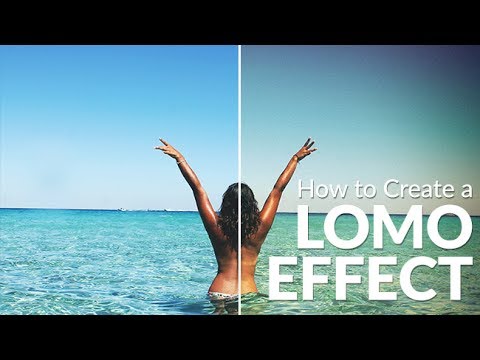
Dirty, Saturated, and Beautiful: How to Nail the Lomo Effect in Lightroom

Dirty, Saturated, and Beautiful: How to Nail the Lomo Effect in Lightroom

There’s a specific kind of photo that stops you mid-scroll. Edges gone dark and murky, colors pushed past polite, the center of the frame almost glowing by contrast. It looks like it came out of a thrift store camera bag, and that’s exactly the point. The Lomo effect has been quietly running through editorial photography, album artwork, and travel photography for years, and if you’ve ever tried to fake it by cranking saturation and slapping on a vignette, you already know that approach produces something closer to “toddler with a filter app” than “vintage film camera from Soviet Russia.

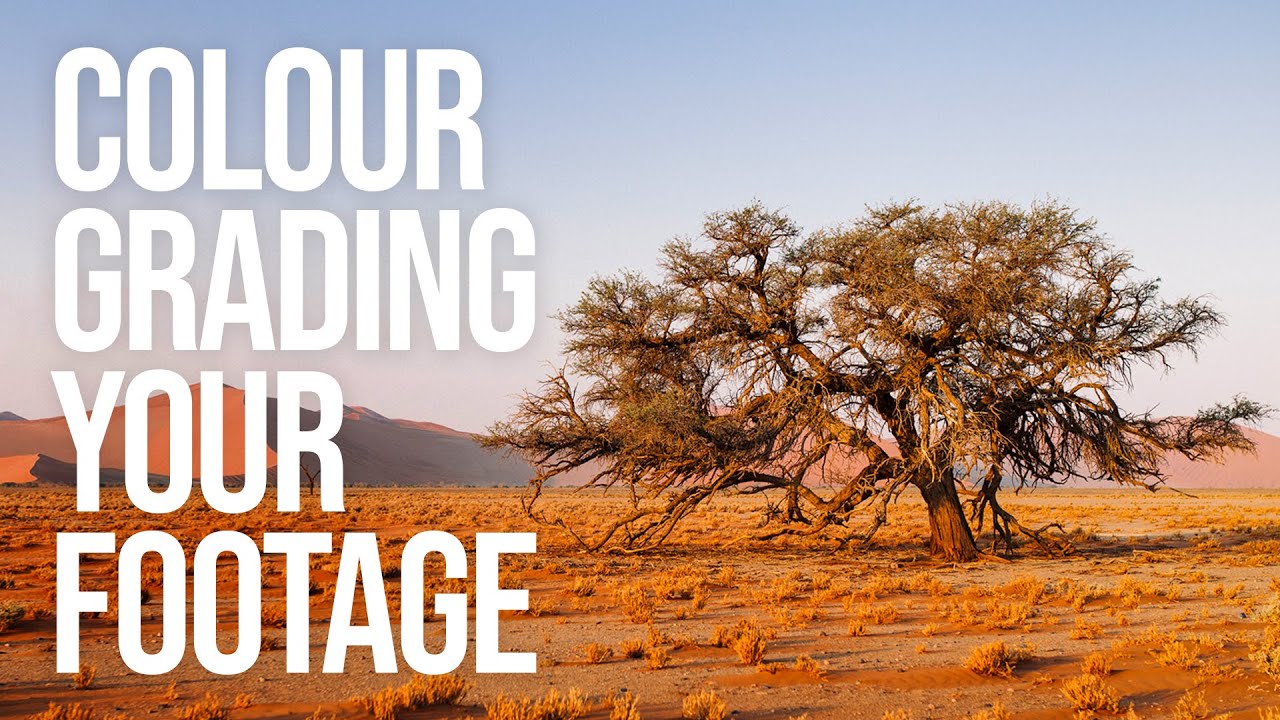
Shoot Flat, Grade Hard: How to Color Grade Video and Build Your Own LUTs from Scratch

Shoot Flat, Grade Hard: How to Color Grade Video and Build Your Own LUTs from Scratch

Most of my work lives in Lightroom. Sliders, HSL panels, tone curves named after Wilco songs. That’s my comfort zone. But I shoot video too, and for a long time my footage looked exactly like what it was: stills-shooter-attempts-video. Decent composition, completely lifeless color. The two disciplines share a visual language, but the tools and the pipeline are different enough that my Lightroom instincts didn’t transfer cleanly. That changed when I worked through Watch the full tutorial on YouTube from Sean Tucker, where he breaks down his entire color grading process for video.

Batch AI Noise Reduction in Lightroom Classic Finally Works the Way It Should

Batch AI Noise Reduction in Lightroom Classic Finally Works the Way It Should

There’s a specific kind of frustration that comes from knowing a tool can do something, but making it do that thing requires jumping through hoops that feel completely backwards. For a while, batch AI noise reduction in Lightroom Classic was exactly that. You’d select your photos, run Denoise, and Lightroom would churn out a pile of duplicate DNG files alongside your originals. Your folder looked like a parking lot after a fender bender.

Why Your Digital Photos Look Wrong (And How Film Emulation Fixes It)

Why Your Digital Photos Look Wrong (And How Film Emulation Fixes It)

I was editing a portrait session last winter, and something felt off. The skin tones looked plasticky. The shadows were too clean. The whole image had this quality I can only describe as aggressively digital, like the camera had tried too hard to be accurate and landed somewhere sterile instead. I swapped in a film emulation preset I’d built based on Kodak Portra 400, and in one click, the image exhaled.