Why Your Digital Photos Look Too Clean (And How Film Emulation Fixes It in Lightroom)

Why Your Digital Photos Look Too Clean (And How Film Emulation Fixes It in Lightroom)

I spent three hours last Tuesday staring at a batch of portraits that were technically perfect and somehow completely lifeless. Sharp, well-exposed, neutral white balance. The histogram looked like a textbook example. And yet every single image had that unmistakable quality I’ve come to think of as “digital flatness” — the kind of sterile, clinical look that makes a photo feel like a document instead of a moment. I ended up running them through a Kodak Portra 400 emulation preset I built last year (named “Desolation Row,” for the record), and within about forty seconds, the whole session clicked into place.
Stop Over-Editing Your Photos: What Peter McKinnon's Leica Workflow Taught Me About Restraint

Stop Over-Editing Your Photos: What Peter McKinnon's Leica Workflow Taught Me About Restraint

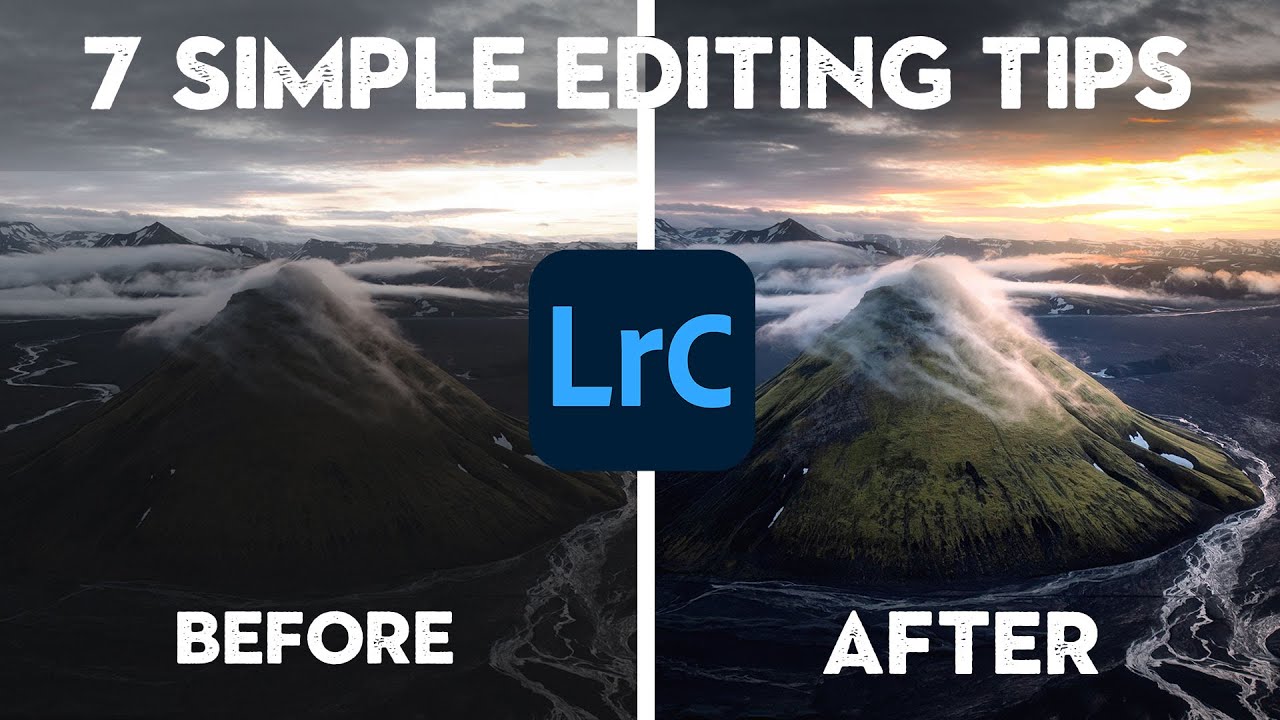
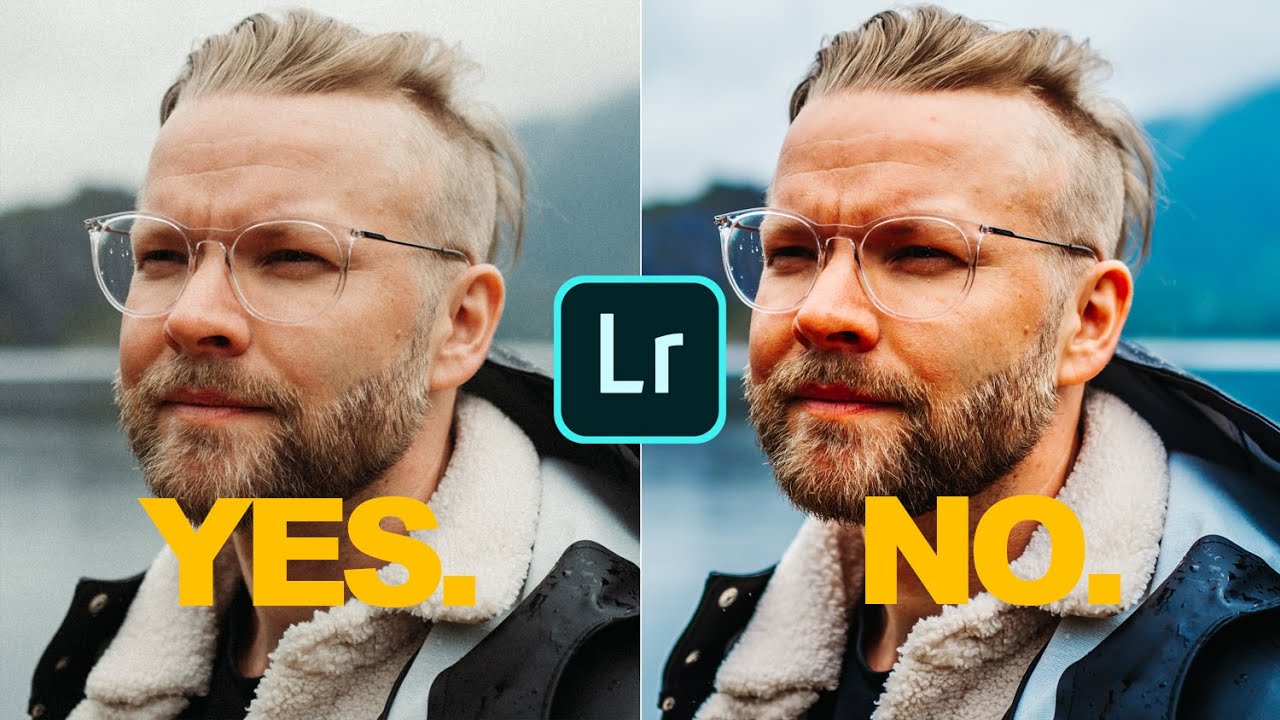
There’s a version of me from about six years ago who would have wrecked these photos. I know this because I still have the hard drives. Too much contrast, greens cranked to neon, a heavy-handed preset slapped on top like a bumper sticker. I thought volume equaled quality. I was wrong, and it took years of editing other people’s work before I figured out why my own stuff looked so processed.

Purple Fringing and Publish Services: Two Lightroom Fixes You'll Use Every Single Week

Purple Fringing and Publish Services: Two Lightroom Fixes You'll Use Every Single Week

There’s a specific kind of frustration that hits when you deliver a print to a client and then spot the problem yourself, standing right there next to them. Purple fringing along a roofline, a green halo eating into a branch, some artifact you somehow missed at screen size. I’ve been there more than once, and it never gets less embarrassing. The fix exists, it takes about fifteen seconds, and for whatever reason it doesn’t get talked about enough in beginner and intermediate circles.

Lightroom's June 2022 Update Finally Fixed the Two Things That Drove Me Crazy

Lightroom's June 2022 Update Finally Fixed the Two Things That Drove Me Crazy

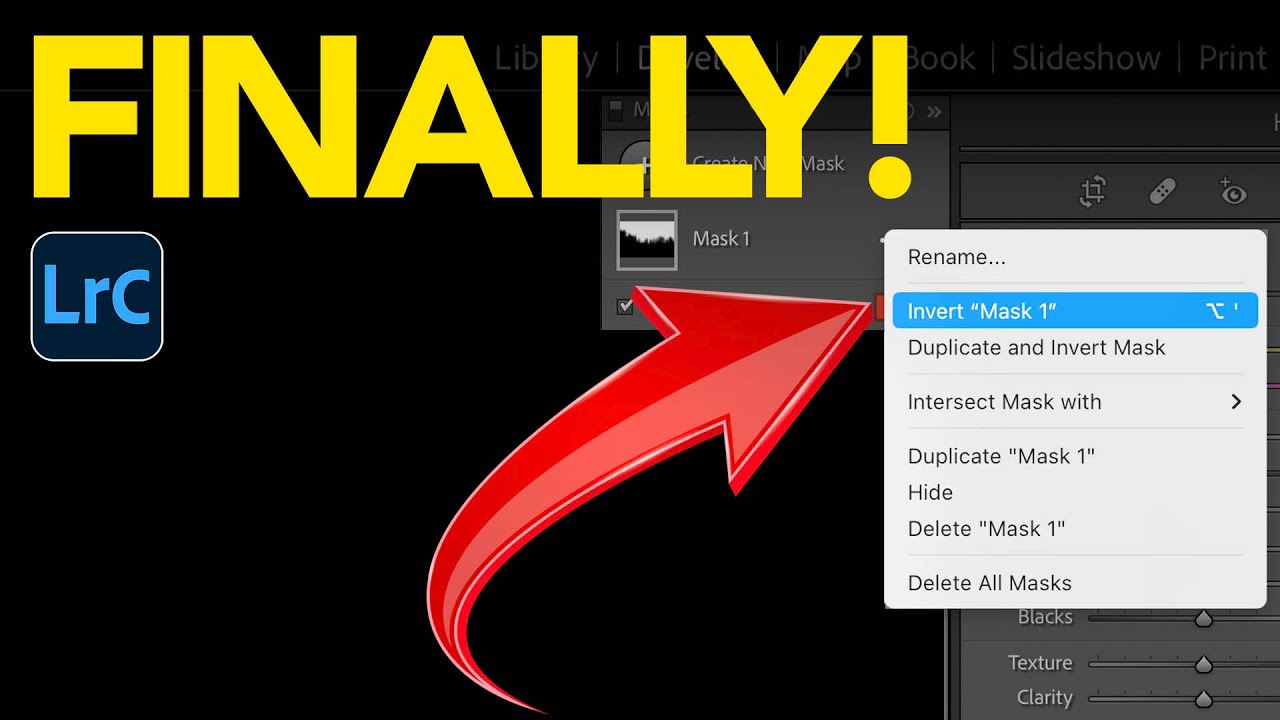
Every few months I open a Lightroom update and feel genuinely relieved. Not excited in a tech-launch way, but relieved, the way you feel when someone finally fixes a squeaky door you’ve been ignoring for a year. The June 2022 release of Lightroom Classic 11.4 hit like that. When Adobe introduced AI masking back in October 2021, I was all in immediately. Select Sky, Select Subject, the whole suite. But two limitations kept tripping me up in real sessions: you couldn’t sync AI masks across multiple photos without losing the mask entirely, and inverting a complex mask to affect the background was clunkier than it needed to be.

Bridge Isn't Dead: 5 Things It Does That Lightroom Still Can't

Bridge Isn't Dead: 5 Things It Does That Lightroom Still Can't

I used to dismiss Adobe Bridge the same way I dismiss genre labels for music - confidently, and without much actual evidence. It felt like the old, clunky thing you used before Lightroom existed. Then I started shooting more on weekends for fun, not for clients, and I found myself resenting the Lightroom import process every single time I wanted to glance at a handful of raw files. Nobody wants to sit through a catalog import just to grab one good frame from a Saturday afternoon shoot.

7 Lightroom & Photoshop Skills Worth Mastering When You Can't Shoot

7 Lightroom & Photoshop Skills Worth Mastering When You Can't Shoot

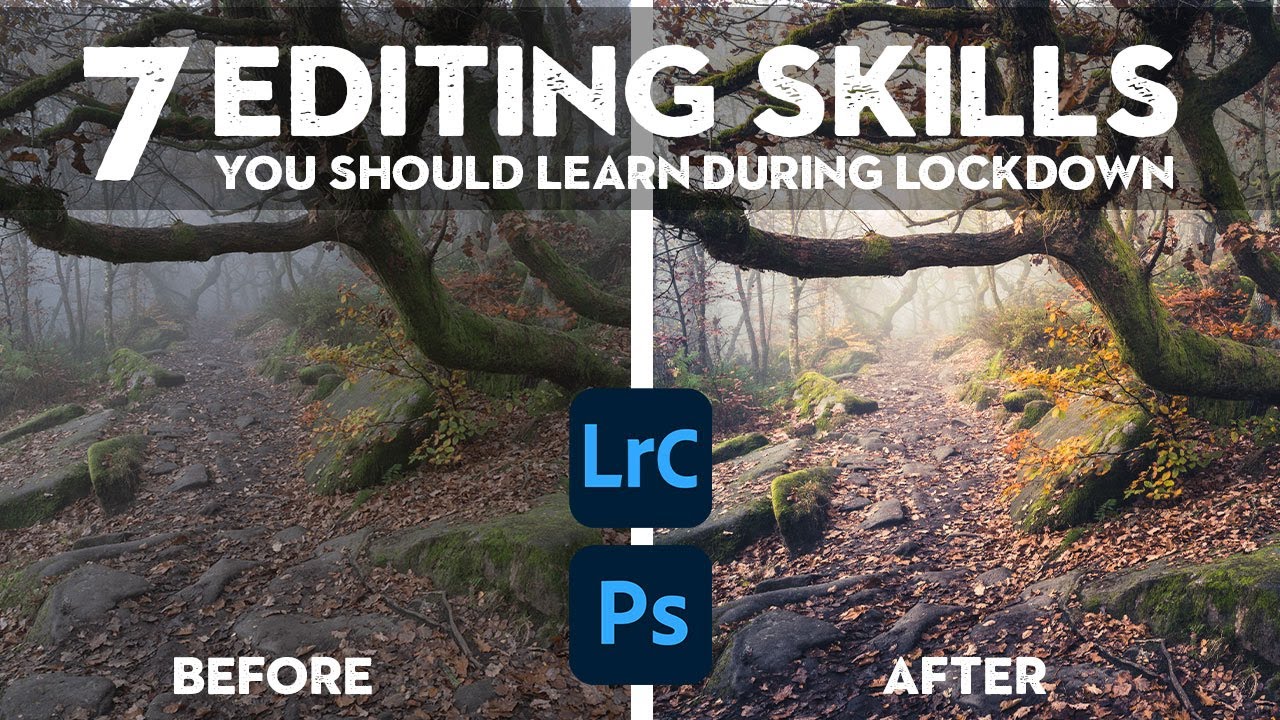
There’s a version of me that used to think editing was the boring part. Shooting was the job. Editing was the chore you did afterward so you could post something. Then I spent a rainy Nashville weekend going deep on color grading and came out the other side with a completely different understanding of what a photograph actually is. The edit isn’t the afterthought. It’s the second half of the creative decision.

Fix Mixed White Balance in One Shot — No Photoshop Required

Fix Mixed White Balance in One Shot — No Photoshop Required

There’s a specific kind of frustration that only photographers know: you’ve got a landscape shot where the sky looks exactly right, but the foreground is too cool, or you’ve nailed the warmth in the ground and the sky looks like it was shot through a yellow window. You move the temperature slider left and the foreground dies. You move it right and the sky turns the color of old mustard. For years I just accepted that this was a Photoshop problem, something to mask out in layers and blend manually.

How Aerial Photography Reveals Our Changing Planet—And What It Teaches Us About Color Grading

How Aerial Photography Reveals Our Changing Planet—And What It Teaches Us About Color Grading

The Power of Perspective: Why Looking Down Changes Everything There’s something genuinely transformative about seeing Earth from above. When astronaut William Anders captured that iconic image of our blue marble rising over the lunar horizon back in 1968, it didn’t just make for a great album cover—it fundamentally shifted how humanity thought about our place in the cosmos. That single photograph sparked an entire ecological awakening. I’ve been thinking a lot about that historical moment lately, especially as I’ve watched the photography world embrace aerial perspectives as a way to document environmental transformation.

Read Your Raw Files Like a Pro: Lightroom's Exposure Slider Trick Beginners Almost Always Skip

Read Your Raw Files Like a Pro: Lightroom's Exposure Slider Trick Beginners Almost Always Skip

There’s a moment early in most photographers’ Lightroom journeys where they open a raw file, squint at the histogram, decide it “looks okay,” and start dragging sliders around hoping something good happens. I did that for longer than I’d like to admit. The result was a lot of technically mediocre edits that I thought were finished until I looked at them a week later and cringed. What I was missing wasn’t a better preset or a more sophisticated technique.

How to Add a Warm Backlit Glow to Photos Using Photoshop Adjustment Layers

How to Add a Warm Backlit Glow to Photos Using Photoshop Adjustment Layers

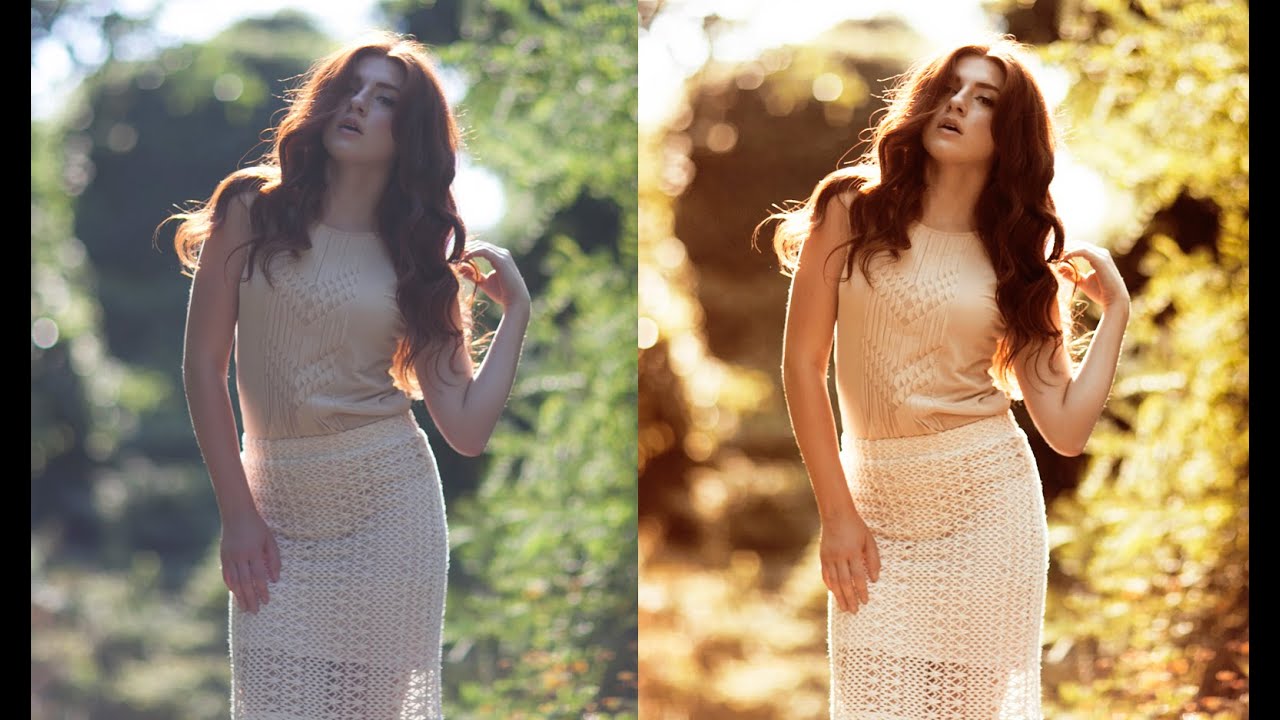
Backlit portraits are one of those shots that look gorgeous straight out of camera but almost always need a push in post to reach their potential. The light is already doing something interesting, and your job as an editor is to lean into that warmth rather than fight it. I’ve spent a lot of time chasing that golden-hour feel inside Lightroom, but sometimes a Photoshop-based approach gives you more control over where the warmth actually lands in the frame.

Lightroom 7.4 Updated Presets and Profiles Management — Here's What Actually Changed

Lightroom 7.4 Updated Presets and Profiles Management — Here's What Actually Changed

My preset panel used to look like a junk drawer. Adobe presets I never touched sitting next to film packs I use every day, next to the black-and-white collection I hadn’t opened in eight months. Every time I went to grab something fast on a deadline, I was scrolling past three folders I didn’t need. It’s a small friction point, but small friction points add up across a hundred-photo edit session.

The Dirty Secret About RAW Files in Photoshop (And Why Your Camera Raw Filter Is Lying to You)

The Dirty Secret About RAW Files in Photoshop (And Why Your Camera Raw Filter Is Lying to You)

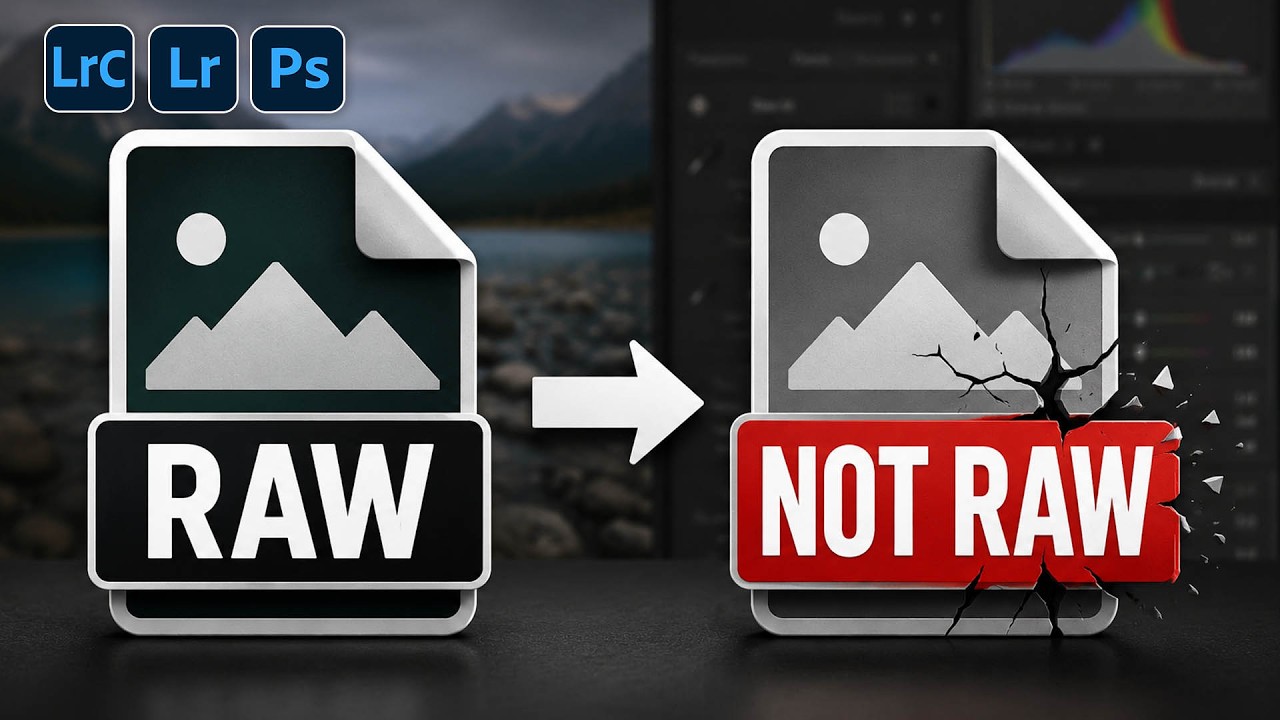
There’s a conversation I’ve had more times than I can count, usually in the comments section of a tutorial or in a DM from someone who’s genuinely frustrated. It goes something like this: “I opened my RAW file in Photoshop, used the Camera Raw filter, and the autofocus points feature was grayed out. Is my camera not supported?” The answer isn’t about the camera. It’s about a fundamental misunderstanding of what a RAW file actually is once it crosses the border from Lightroom into Photoshop.