Lightroom Classic Is Here: Speed Upgrades and Range Masks That Actually Change How You Edit

Lightroom Classic Is Here: Speed Upgrades and Range Masks That Actually Change How You Edit

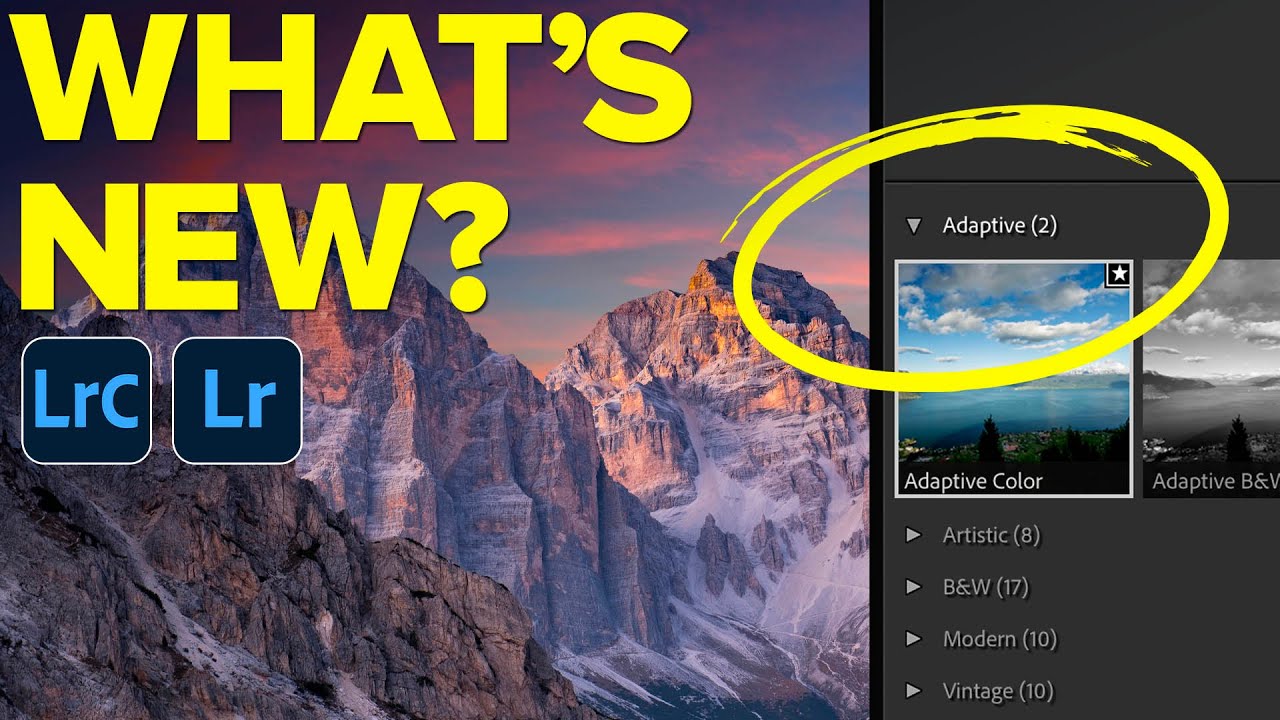
There’s a specific kind of frustration that every working photographer knows. You come back from a shoot with 800 RAW files, you sit down to cull, and Lightroom moves like it’s running on dial-up. Every right-arrow keypress feels like a small act of patience. I used to put on a full record side just to get through the culling process without losing my mind. So when Adobe pushed significant speed improvements in October 2017 alongside a structural name change and a genuinely useful new masking tool, I paid attention.

HSL Adjustments Are the Reason Your Colors Look Flat (And How to Fix That)

HSL Adjustments Are the Reason Your Colors Look Flat (And How to Fix That)

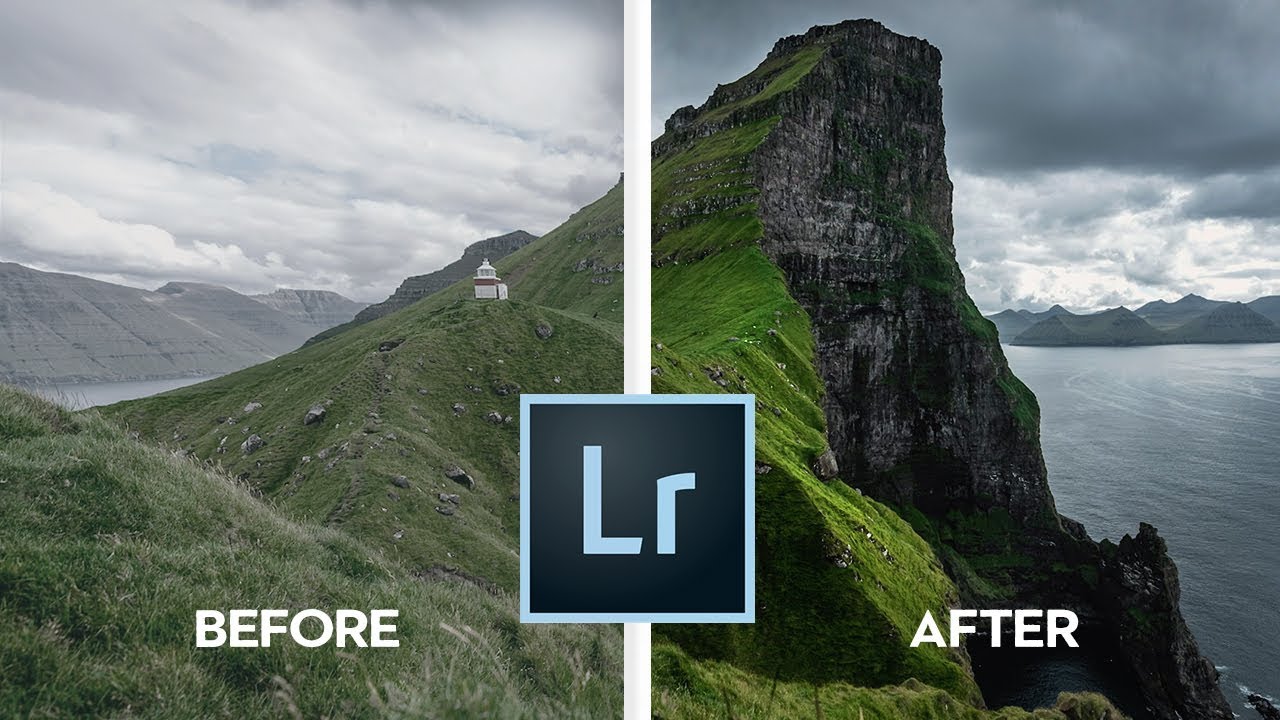
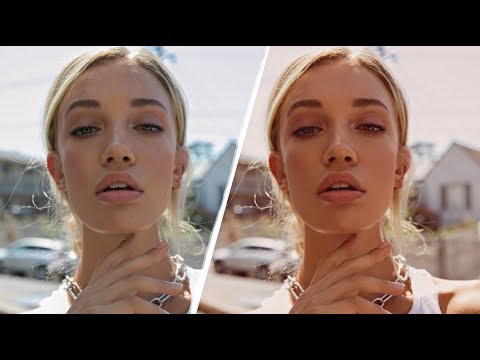
Last week I was editing a portrait session shot at golden hour, the kind of light that should basically edit itself. The skin tones looked orange enough to rival a spray tan, the greens in the background were fighting with everything, and the whole image had this muddy quality that no amount of tweaking the temperature slider was going to fix. The Basic panel was completely maxed out in all the wrong ways.

Print Your Own Lightroom Calendar for Free: A Step-by-Step Guide Using Ed Weaver's Templates

Print Your Own Lightroom Calendar for Free: A Step-by-Step Guide Using Ed Weaver's Templates

Every January I tell myself I’m going to do something meaningful with the thousands of photos sitting in my Lightroom catalog. Not just export them to a hard drive and forget they exist, but actually put them somewhere physical where people can see them. A printed calendar is one of the best answers to that problem, and it costs almost nothing if you know where to look. In this Scott Kelby tutorial, he walks through a workflow built around free calendar templates created annually by photographer Ed Weaver.

Stop Typing Blind in Lightroom's Print Module — Use This Copy-Paste Trick Instead

Stop Typing Blind in Lightroom's Print Module — Use This Copy-Paste Trick Instead

If you’ve ever tried to build a proper print layout in Lightroom and wanted to add more than a single line of text, you’ve probably hit the same wall I did. The identity plate field looks simple enough until you try to hit Return and Lightroom treats it like you just clicked OK. That’s it. Done. No line breaks, no centering, no tracking. Just a flat string of text sitting on your print like a name tag at a conference.

Lightroom's February 2018 Update: The Folder Tools You Didn't Know You Needed

Lightroom's February 2018 Update: The Folder Tools You Didn't Know You Needed

My catalog is a disaster. Not a “creative chaos” disaster — a genuine, scroll-for-forty-seconds-to-find-the-right-folder disaster. I organize everything by shoot name, not by date, because I think in terms of subjects and places, not years. Ask me when I shot something and I’ll have no idea. Ask me what the folder is called and I’ll get you there eventually. The problem is “eventually” adds up fast when you’re jumping between jobs.

Why Your Lightroom is Crawling (And How to Fix It)

Why Your Lightroom is Crawling (And How to Fix It)

Why Your Lightroom is Crawling (And How to Fix It) We’ve all been there. You’re in the zone, color grading away, and suddenly Lightroom decides to move like it’s running on a potato from 2005. The rainbow spinning wheel of death appears. Your creative momentum evaporates. Your soul dies a little inside. Here’s the thing: Lightroom has come a long way in terms of performance. Adobe’s engineers have genuinely worked hard to keep this software snappy.

Black & White Done Right: A Lightroom Classic Workflow That Actually Makes You Think in Monochrome

Black & White Done Right: A Lightroom Classic Workflow That Actually Makes You Think in Monochrome

Most of my black and white conversions used to follow the same lazy pattern: desaturate, push the contrast, call it done. They looked fine. Fine is the enemy of interesting. What I was missing wasn’t effort, it was a smarter starting point, specifically, using Lightroom’s B&W creative profiles as a foundation rather than an afterthought. Watch the full tutorial on YouTube In this Scott Kelby tutorial, he works through a Venice street scene that, by his own admission, isn’t a trophy shot.

How to Build a Multi-Photo Car Poster Entirely in Lightroom (Then Finish It in Photoshop)

How to Build a Multi-Photo Car Poster Entirely in Lightroom (Then Finish It in Photoshop)

Every few months I’ll see someone post a finished image and my first reaction is “okay, that had to be a full Illustrator project.” Then I find out it was mostly Lightroom and I feel both humbled and relieved. That’s exactly what happened when Scott Kelby shared an Audi R8 poster he made for a client. Nine photos, grid layout, clean margins, big empty space for text at the bottom. It looked like a print ad.

Lightroom Mobile Finally Gets a Brush (And Sharpening Too) - Here's How to Use Both

Lightroom Mobile Finally Gets a Brush (And Sharpening Too) - Here's How to Use Both

If you edit photos on your phone with any regularity, you already know the specific frustration of reaching for a tool that should be there and finding nothing. For me, that tool was the brush. Every time I handed off a mobile edit workflow to a client or walked someone through Lightroom Mobile at a workshop, the question was the same: “Where’s the brush?” And every time, I had to explain that it just wasn’t there yet.

Leica's New Metal Gray Cameras: A Masterclass in Understated Elegance

Leica's New Metal Gray Cameras: A Masterclass in Understated Elegance

When Cameras Become Canvas: Leica’s Newest Statement I’ve been thinking a lot lately about how the tools we use to capture images actually influence the way we see them. And right now, Leica has me genuinely excited about what they’re doing with their latest hardware move. The Q3 and D-Lux 8 just arrived in a stunning new Metal Gray finish, and honestly? It’s a design decision that speaks directly to anyone who understands the power of restraint in visual storytelling.

From Mechanic's Garage to Portrait Studio: What Matt Stagliano's Creative Journey Teaches Us About Building a Photography Business

From Mechanic's Garage to Portrait Studio: What Matt Stagliano's Creative Journey Teaches Us About Building a Photography Business

There’s a version of a photography career that looks like a straight line. You study it in school, you assist someone, you go out on your own. That version has never matched anyone I’ve actually met. The photographers who stick around, the ones building real studios and real client relationships, almost always arrived sideways. I learned Lightroom because my band couldn’t afford to hire anyone to edit our press shots, and someone had to do it.

Stop Sending Crooked Photos Into the World: Four Lightroom Straightening Methods That Actually Stick

Stop Sending Crooked Photos Into the World: Four Lightroom Straightening Methods That Actually Stick

I’ll be honest with you: the crooked horizon line is the editing mistake that ages the worst. You can get away with slightly flat colors or a touch of noise, but a tilted horizon line reads immediately as careless, even to people who have never opened Lightroom in their lives. I learned this the hard way when I was editing press shots for my band, squinting at skewed rooftop photos and wondering why they looked “off” even after I’d color graded them within an inch of their lives.