Lightroom's New Lens Blur Panel Is the Background Blur Feature We've Been Waiting For (Sort Of)

Lightroom's New Lens Blur Panel Is the Background Blur Feature We've Been Waiting For (Sort Of)

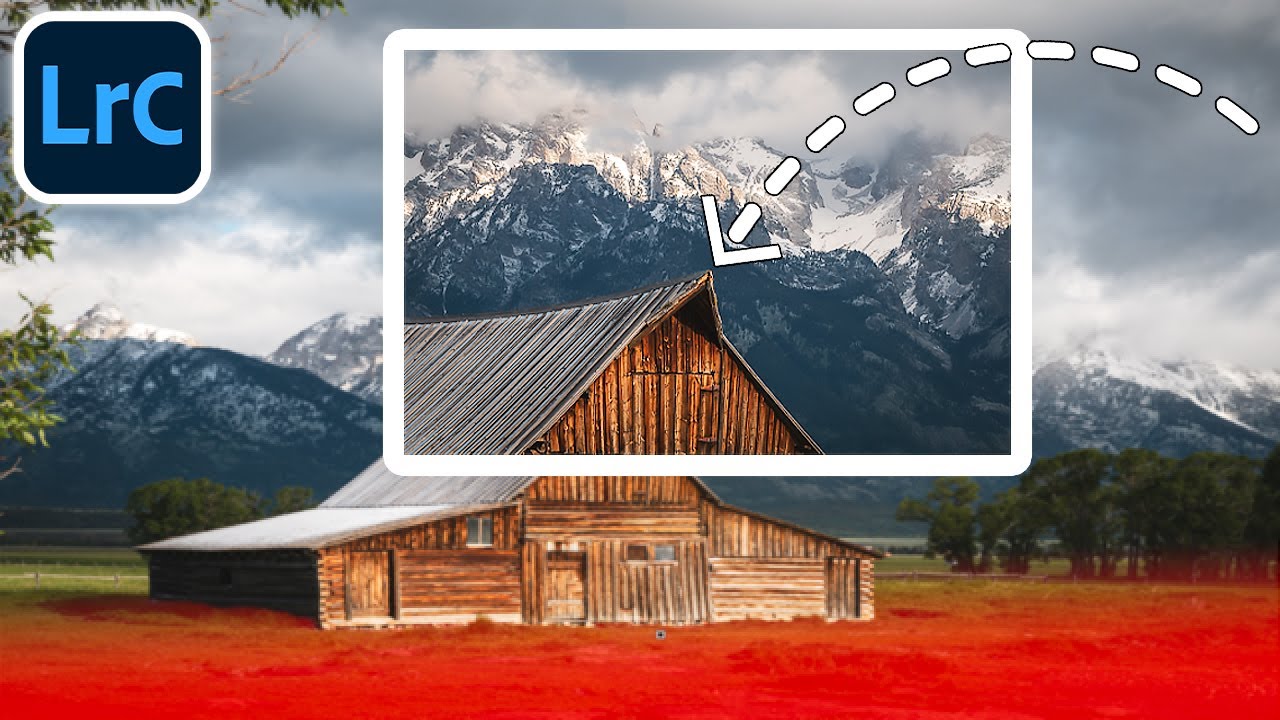
Every few months I get the same DM from someone who just discovered Lightroom: “Can I blur the background without going into Photoshop?” For years, my honest answer was no. You could drag Texture and Clarity into the negatives and get something that looked like a photo taken through a shower door, but nothing that actually simulated a shallow depth of field. That was always a round-trip-to-Photoshop situation. The October 2023 update to Lightroom Classic changes that answer, at least partially.

Plan the Shot, Then Let It Go: What a Canyon Waterfall Taught Me About Color Grading

Plan the Shot, Then Let It Go: What a Canyon Waterfall Taught Me About Color Grading

There’s a specific kind of frustration I know well: standing in front of a stunning location, firing off a solid technical shot, and then opening Lightroom later only to feel like something is just… missing. The image is fine. But fine isn’t why you drove two hours into a canyon. That gap between “technically correct” and “actually feels like the place” is where color grading lives, and it’s also the exact problem William Patino sets out to solve in this tutorial on shooting and editing a canyon waterfall.

Stop Using Default Book Layouts: How to Build Custom Page Cells in Lightroom

Stop Using Default Book Layouts: How to Build Custom Page Cells in Lightroom

Every time I finished a project and moved into the Book module, I’d spend ten minutes scrolling through the built-in layout templates, picking the least-wrong one, and moving on. Not the best one. The least wrong one. There’s a difference, and if you’ve used Lightroom’s Book module for anything more than a quick blurb project, you know exactly what I mean. The templates are fine for generic use, but the moment you have a specific vision for how three tall portraits should sit side by side, or how an image should bleed into a particular corner, the template library starts feeling like trying to find a song you like on a radio station that’s almost right.

Your Phone Is a Darkroom: How I Actually Edit on Lightroom Mobile Without Losing My Mind

Your Phone Is a Darkroom: How I Actually Edit on Lightroom Mobile Without Losing My Mind

Last spring I was sitting in the waiting room of a mechanic’s shop in East Nashville, staring at a memory card reader plugged into my phone, watching 47 RAW files sync to Lightroom Mobile. I had a client delivery due by end of day. My laptop was at home. And somehow, two hours later, I sent a fully edited gallery that the client called “the best batch yet.” That wasn’t luck.

Fake Warmth, Real Results: What Matt Kloskowski's Photo Makeover Taught Me About Saving a Flat Shot

Fake Warmth, Real Results: What Matt Kloskowski's Photo Makeover Taught Me About Saving a Flat Shot

There’s a specific kind of photo that shows up in my editing queue more than any other: technically fine, emotionally flat. Good composition, bad light, shot at the wrong time of day. The kind of image where you know something is there but the raw file just doesn’t show it yet. For years I’d muscle through these with heavy-handed contrast moves that never quite worked. Then I started paying closer attention to how editors like Matt Kloskowski approach the problem, and it shifted the way I think about the entire process.

The Sun Glow Trick Lightroom Pros Don't Talk About (But Definitely Use)

The Sun Glow Trick Lightroom Pros Don't Talk About (But Definitely Use)

There’s a specific kind of frustration that comes from looking at a landscape photo and knowing something is off, but not being able to name it. I ran into this constantly early on, editing press shots for my band because nobody else was going to do it. The sun in a shot would look harsh and stamped-on, like someone pasted a bright circle onto the sky rather than actually photographing one.

Lightroom's Book Module Just Got a Lot Less Annoying — Here's What's New

Lightroom's Book Module Just Got a Lot Less Annoying — Here's What's New

Photo books have always been one of those Lightroom features I wanted to love but kept abandoning halfway through. The cell-based layout system felt like it was designed by someone who had never actually tried to build a visually interesting spread under deadline pressure. I’d drag a cell, watch it snap somewhere useless, try to nudge it, and eventually just export everything to InDesign and move on with my life.

The Mobile-to-Desktop Lightroom Workflow That Actually Works for Travel Photographers

The Mobile-to-Desktop Lightroom Workflow That Actually Works for Travel Photographers

There is one workflow problem that used to wreck me every time I came home from a trip. My phone camera roll is a disaster of food photos, screenshots, and actual keepers all jumbled together. My Sony files are sitting on a card. And somewhere between those two worlds is a batch of photos I genuinely care about, waiting to get lost or forgotten. For a while my solution was “deal with it later,” which, as any photographer knows, is code for “never deal with it.

How to Fake a 35mm Film Look in Lightroom Using a Masked Gradient (Peter McKinnon's Best Trick)

How to Fake a 35mm Film Look in Lightroom Using a Masked Gradient (Peter McKinnon's Best Trick)

There’s a specific problem I kept running into with digital photos that were supposed to feel vintage. I’d pile on the grain, drop the contrast, pull back the clarity, and the result still looked like a digital photo wearing a Halloween costume. Something was off. The scene felt sharp in a way that film never is, too evenly exposed, too present. It took me longer than I’d like to admit to figure out what was missing, and honestly, the answer was sitting in a Lightroom panel I was already using for other things.

Fix a Flat, Boring Photo in Lightroom: Scott Kelby's Intermediate Workflow, Step by Step

Fix a Flat, Boring Photo in Lightroom: Scott Kelby's Intermediate Workflow, Step by Step

There’s a specific kind of photo I used to dread editing. Not a disaster shot, not a total throwaway, but the mediocre middle-ground image. Flat light, a blown highlight somewhere it shouldn’t be, colors that look like they were processed through a wet sock. The kind of file where you open it in Lightroom, stare at it for thirty seconds, and then go make coffee instead. I’ve got a whole folder of those from the early years, back when I was editing press photos for my band because nobody else was going to do it.

How to Build a Photo Book Layout in Lightroom's Print Module (Without Buying Fancy Software)

How to Build a Photo Book Layout in Lightroom's Print Module (Without Buying Fancy Software)

Every time a client asks me about photo books, my first instinct is still to recommend some dedicated software with a subscription fee and a learning curve shaped like a cliff. Then I remember that Lightroom has been quietly capable of this the whole time, sitting right there in the Print module while everyone ignores it in favor of flashier tools. Watch the full tutorial on YouTube In this Scott Kelby tutorial, part two of his three-part photo book series, he walks through building photo book layouts entirely inside Lightroom’s Print module, using photos from a trip to Egypt, Istanbul, and Greece as the working example.

Lightroom (Not Classic) Finally Does What Bridge Never Could — Here's What Changed

Lightroom (Not Classic) Finally Does What Bridge Never Could — Here's What Changed

I’ll be honest with you. For years I told anyone who asked that Lightroom Classic was the only serious option. The newer Lightroom, the one Adobe just calls “Lightroom,” felt like a stripped-down cloud toy built for people who edit on iPads. I had strong feelings about this. I still have strong feelings about a lot of things in this industry. But a recent tutorial by Matt Kloskowski shifted my thinking on at least a few of those points, and when something changes my mind, I figure it’s worth writing about.