Stop Clicking Auto: Why Adaptive Color Is the Smarter Starting Point in Lightroom

Stop Clicking Auto: Why Adaptive Color Is the Smarter Starting Point in Lightroom

Every RAW file I open starts the same way: flat, a little lifeless, waiting. For years my first instinct was to hit the Auto button and let Lightroom’s AI take a swing at exposure before I started making real decisions. It works fine. But “fine” is not exactly the bar I’m trying to clear. Scott Kelby recently dropped a short tip over on KelbyOne that made me rethink that reflex entirely.

Chasing Soft Peach Tones: What Jessica Kobeissi's Portrait Workflow Taught Me About Restraint

Chasing Soft Peach Tones: What Jessica Kobeissi's Portrait Workflow Taught Me About Restraint

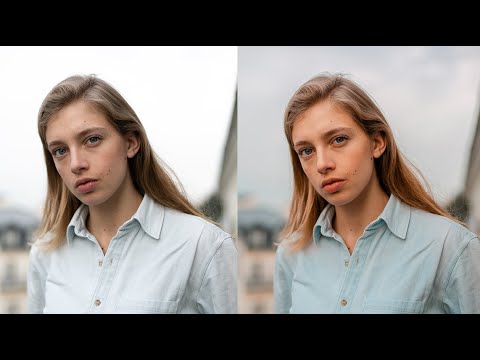
There’s a specific failure mode I see constantly in portrait edits: too much happening at once. Aggressive tone curves, oversaturated skin, highlights that blow out the sky, shadows so crushed you lose all the hair detail. The photo technically has “a look,” but it reads as effortful rather than intentional. What draws me to Jessica Kobeissi’s editing style is the opposite instinct. Her work is controlled, deliberate, and built on subtractions as much as additions.

The Tone Curve Isn't a Filter — It's the Most Precise Tool in Lightroom

The Tone Curve Isn't a Filter — It's the Most Precise Tool in Lightroom

I spent the first two years of my editing life completely ignoring the tone curve. I’d open Lightroom, drag the Contrast slider to somewhere around +30 because it made things look “punchier,” and move on. It worked, kind of. The photos looked fine. But fine isn’t a great bar to clear when you’re trying to build a consistent visual identity, whether you’re editing a wedding gallery, a portrait session, or your band’s press shots.

13 Lightroom Tricks That Changed How I Edit Every Single Day

13 Lightroom Tricks That Changed How I Edit Every Single Day

My editing sessions used to look like this: open the tone curve, check something in HSL, scroll down to color grading, scroll back up to basics, lose my place, get frustrated, close everything manually, repeat. It was the kind of low-grade chaos that doesn’t feel like a problem until you suddenly realize you’ve spent 20 minutes navigating panels instead of actually editing. I kept patching it with workarounds that never quite worked.

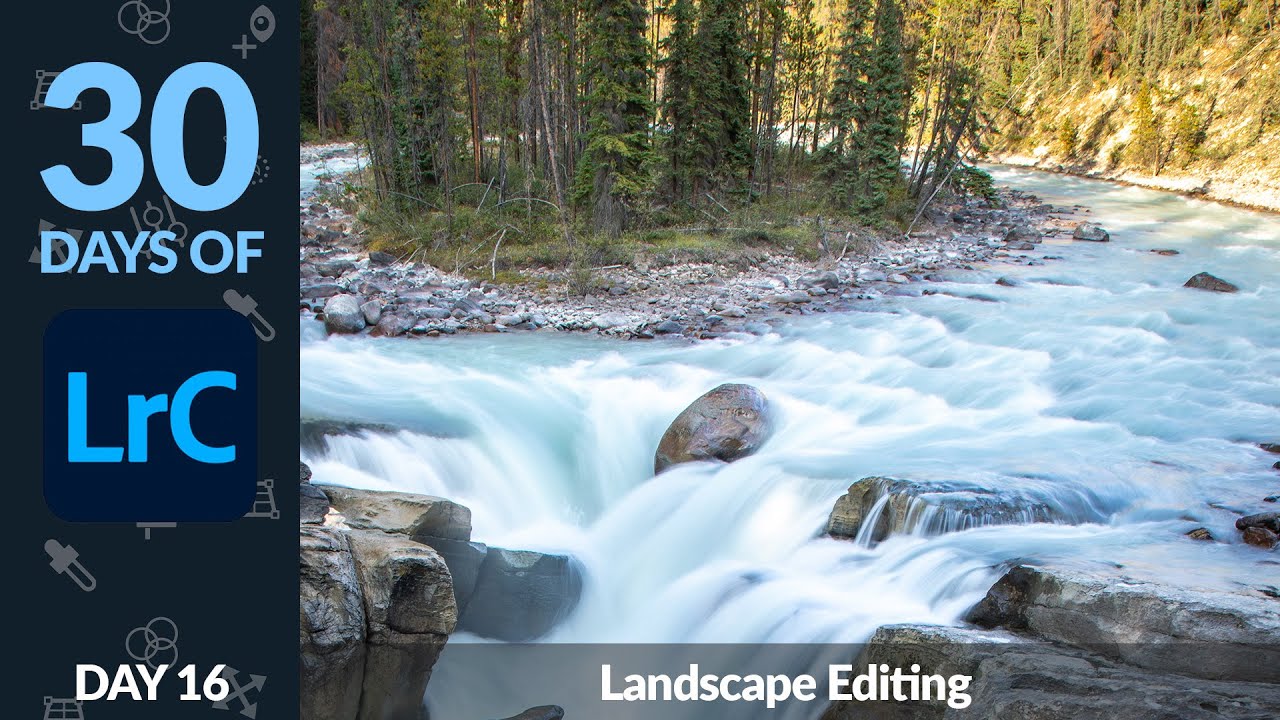
How to Fix Blown Skies and Flat Light in Landscape Photos Using Lightroom Masks

How to Fix Blown Skies and Flat Light in Landscape Photos Using Lightroom Masks

Landscape editing has a way of humbling you fast. You come home with a shot that looked incredible in the field, load it into Lightroom, and suddenly the sky is a blown-out white smear and the water looks like concrete. I’ve been there more times than I want to count. The problem isn’t usually the photo. It’s that landscapes have an extreme dynamic range that a single global edit almost never handles gracefully.

Camera-Specific Defaults and Sync FAQ: What Actually Changed in Lightroom Classic 9.2

Camera-Specific Defaults and Sync FAQ: What Actually Changed in Lightroom Classic 9.2

Every time Adobe drops an update, I do the same thing: open the release notes, skim for anything that affects my actual workflow, and ignore the rest. Most updates are minor. But the February 2020 update to Lightroom Classic was one I kept coming back to, because it quietly fixed something that had been annoying me for years. I shoot with two different Sony bodies depending on the job, and getting each one to open with sensible default settings has always involved too many steps and too much memory for what those steps even were.

Split Toning Is the Reason Your Photos Look Flat (And How to Fix That in 10 Minutes)

Split Toning Is the Reason Your Photos Look Flat (And How to Fix That in 10 Minutes)

The Problem With “Neutral” Edits I had a photo last spring that I’d spent about 45 minutes on. Exposure was dialed. Skin tones were clean. Sharpness was exactly where I wanted it. I sent it to the client and got back the most deflating reply possible: “It looks a little flat, can you make it more… cinematic?” Cinematic. The word photographers love to hear and hate to interpret. What they were actually asking for, without knowing it, was split toning.

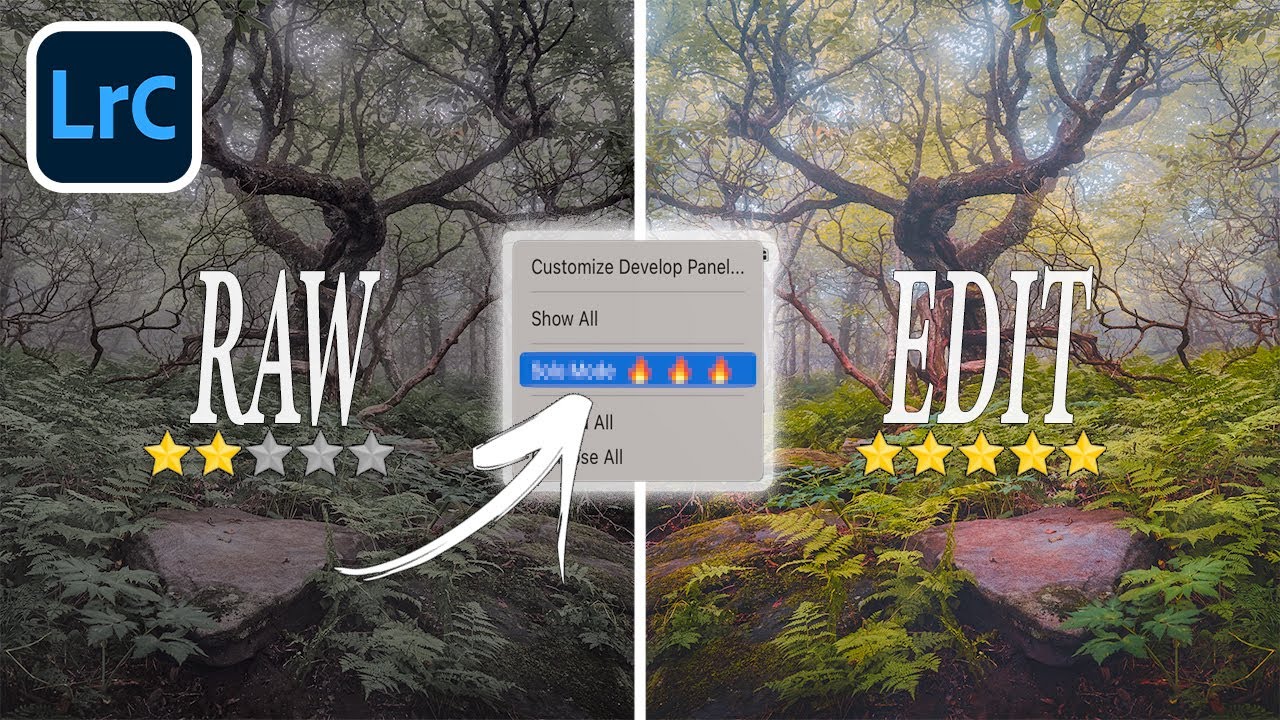
Two Lightroom Develop Panel Tricks That Changed How I Work (From Matt Kloskowski)

Two Lightroom Develop Panel Tricks That Changed How I Work (From Matt Kloskowski)

There’s a particular kind of frustration that hits mid-edit when you’re bouncing between the HSL panel and the Basic panel and Lightroom keeps slamming one shut every time you open the other. I’ve been there more times than I want to admit. Solo mode is supposed to be a feature, not a trap, but when you’re deep in a color grade and need two panels visible at once, it starts to feel like the software is working against you.

Lightroom Virtual Copies: The Fastest Way to Experiment Without Wrecking Your Edits

Lightroom Virtual Copies: The Fastest Way to Experiment Without Wrecking Your Edits

Every few months I revisit a photo I thought was finished and want to try something completely different with it. Maybe the color version I exported was fine, but I keep picturing it in black and white. Maybe my original edit was too conservative and I want to push the contrast harder. The problem is, I don’t want to lose the work I already put in. Duplicate the file? Now I’m managing two raw files and the catalog gets messy fast.

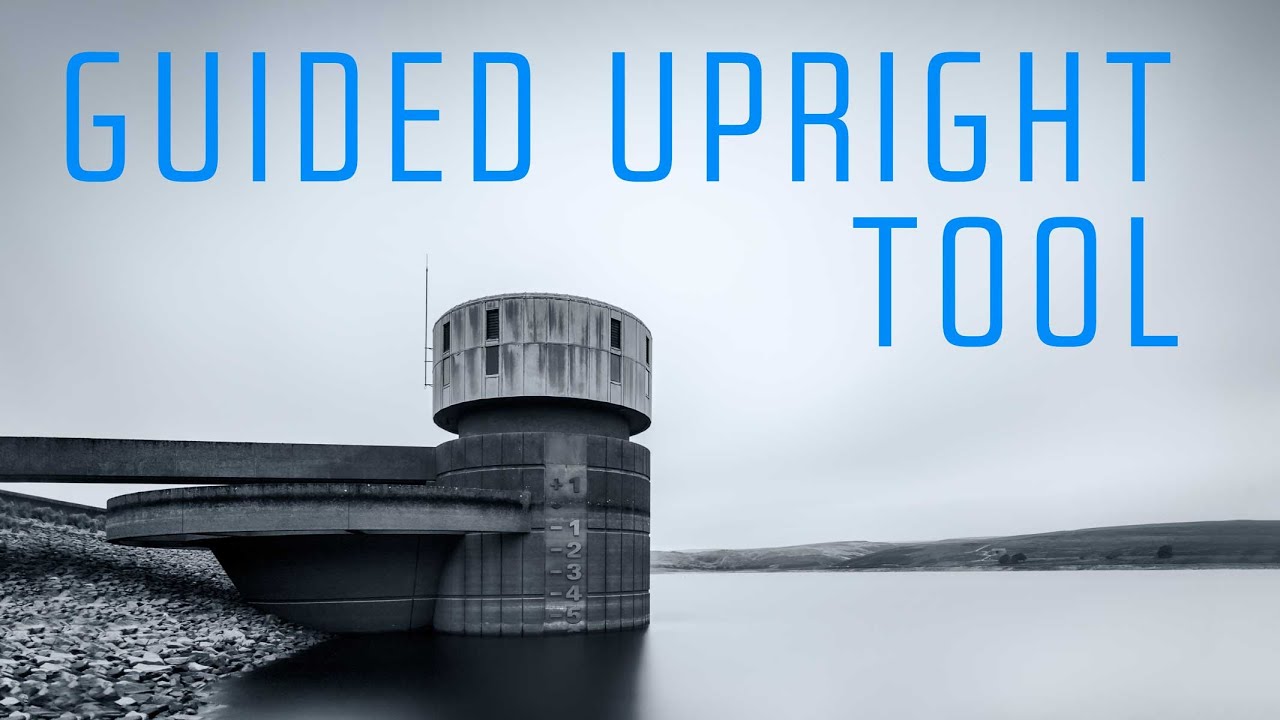
Fix Wonky Perspective in Lightroom With the Guided Upright Tool (It's Easier Than You Think)

Fix Wonky Perspective in Lightroom With the Guided Upright Tool (It's Easier Than You Think)

There’s a specific kind of frustration that hits when you nail the light, the moment, the composition - and then get home and realize the building in the background looks like it’s about to tip over. Wide-angle lenses are incredible for landscape and architectural work, but physics doesn’t care about your portfolio. The way light bends through a short focal length creates converging lines and skewed geometry that can turn a strong image into an awkward one.

The Hidden Power of Color: How Photography Secretly Shaped American Conservation

The Hidden Power of Color: How Photography Secretly Shaped American Conservation

The Photograph That Changed Everything (But Nobody Remembers) Here’s something that blew my mind: one of the most consequential pieces of legislation in American history—the law that created Yellowstone National Park in 1872—barely mentions photographs at all. Yet those images were absolutely everywhere in the conversation that led to its passage. President Ulysses S. Grant signed the bill on March 1st, 1872, and the official text reads like a bureaucratic snooze fest.

Adobe Finally Gave Lightroom an AI Eraser That's Actually Worth Using

Adobe Finally Gave Lightroom an AI Eraser That's Actually Worth Using

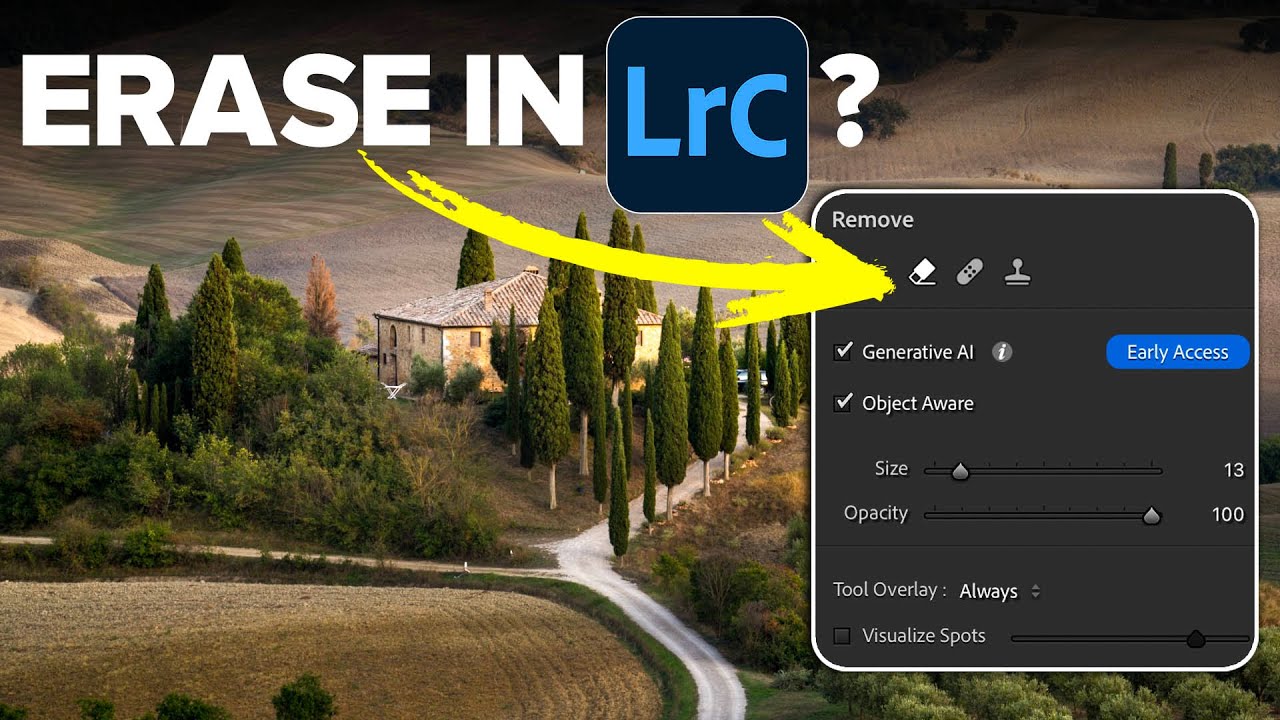
Every Lightroom user has a version of the same story. You spend twenty minutes getting a raw file exactly right, the tones are balanced, the colors are singing, and then you notice the power line cutting across the sky. Or the tourist walking through the background. Or the trash can that somehow ended up in the perfect composition. And just like that, you’re exporting to Photoshop, doing the thing, exporting back, and now you’ve got a TIFF sitting next to your raw file like a receipt you didn’t want.