How to Control Where the Viewer's Eye Goes (And Why It Changes Everything)

How to Control Where the Viewer's Eye Goes (And Why It Changes Everything)

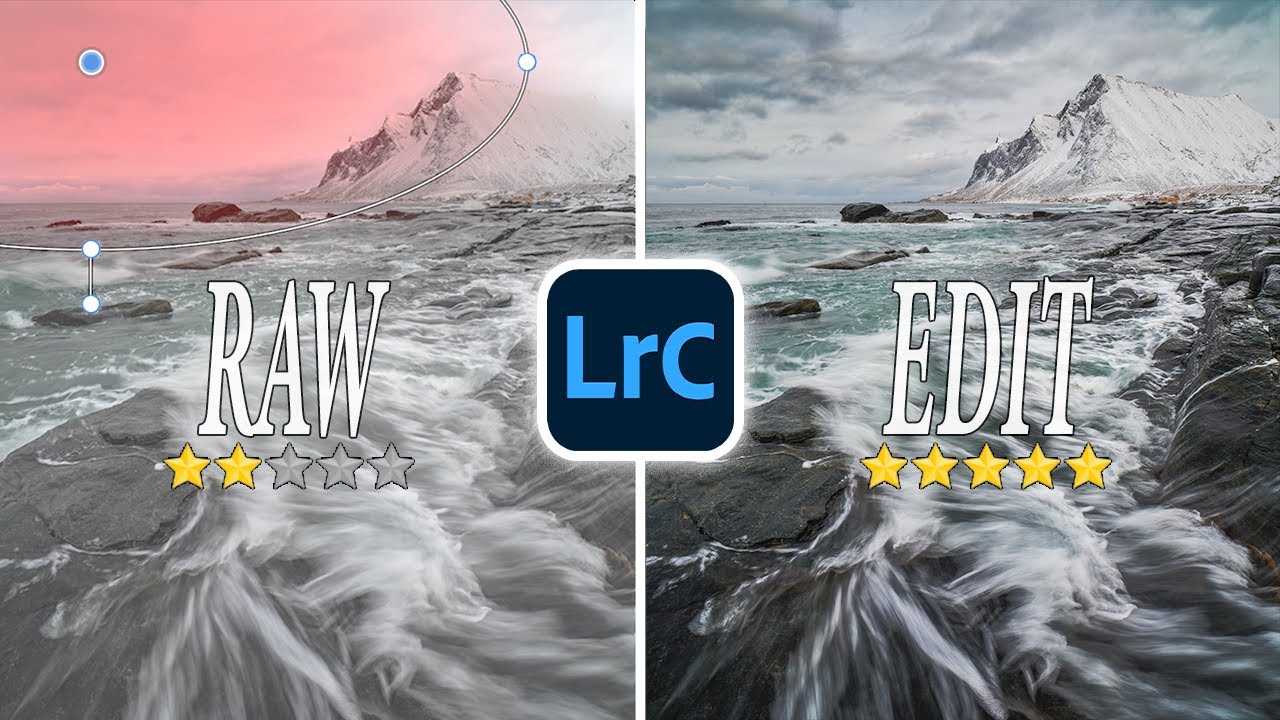
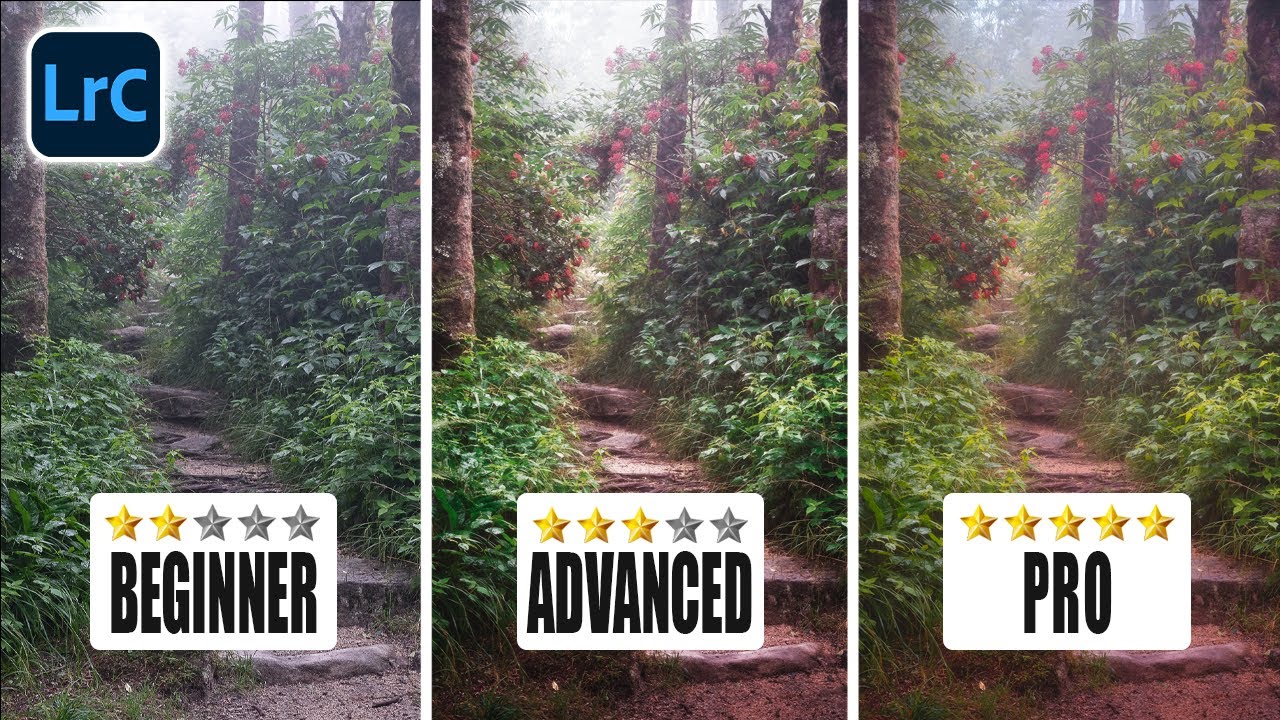
There’s a specific frustration I kept running into early in my editing workflow. I’d spend an hour on a landscape photo, get the tones looking clean, the colors feeling right, and then show it to someone who immediately looked at the wrong part of the frame. Not because the subject was unclear. Because the edit wasn’t doing its job. A technically correct photo and a visually directed photo are two completely different things, and for a long time I didn’t have the vocabulary to explain the gap between them.

Stop Using Lightroom's Built-In Vignette Tool (Do This Instead)

Stop Using Lightroom's Built-In Vignette Tool (Do This Instead)

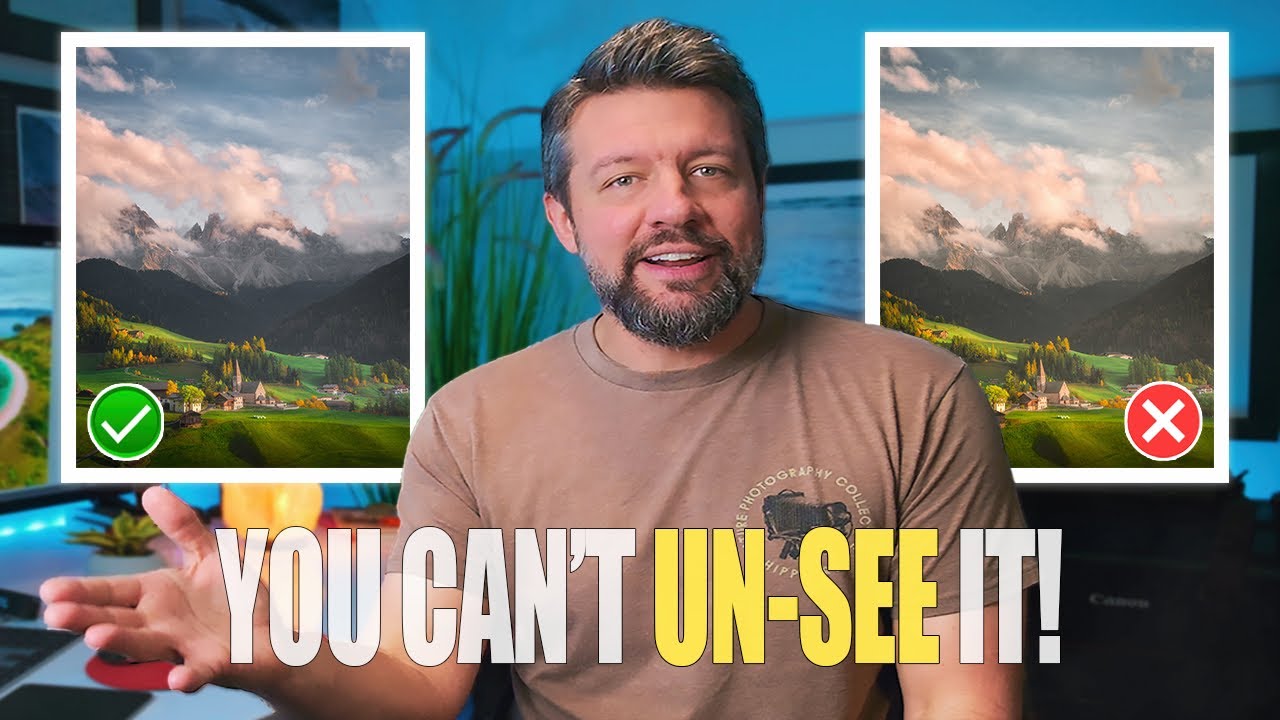
Every few months I’ll open a photo I edited a year ago and cringe at something I thought was clever at the time. The vignette is almost always the culprit. Too heavy, too symmetrical, darkening a sky that didn’t need any help looking dramatic. I kept reaching for the Effects panel out of habit, the same way you autopilot your coffee order at 7am, and getting the same mediocre results.

How Lightroom's Enhance Feature Rescues an Aggressive Crop (And Why You're Probably Not Using It)

How Lightroom's Enhance Feature Rescues an Aggressive Crop (And Why You're Probably Not Using It)

There’s a specific kind of frustration that hits when you get home from a shoot, pull up your images, and realize the composition needs a serious crop. Maybe there was a distracting element along the edge, or your subject was just a little too far away. Either way, you drag those crop handles inward, and suddenly your 26-megapixel file is looking like something off a 2009 phone camera. Pixelated, soft, unusable.

How HSL Adjustments Actually Work (And Why You're Probably Using Them Wrong)

How HSL Adjustments Actually Work (And Why You're Probably Using Them Wrong)

I spent three hours last month trying to fix a portrait where the model’s jacket was this aggressive, almost neon coral. Global adjustments weren’t touching it the way I needed. I’d pulled the vibrance down, nudged the HSL orange slider, and the jacket looked better, but her skin had gone muddy and flat in the process. It’s one of those situations that makes you realize how much overlap exists between colors that look completely distinct to the human eye.

LUTs in Premiere Pro: How Mango Street's Color Grading Workflow Actually Works

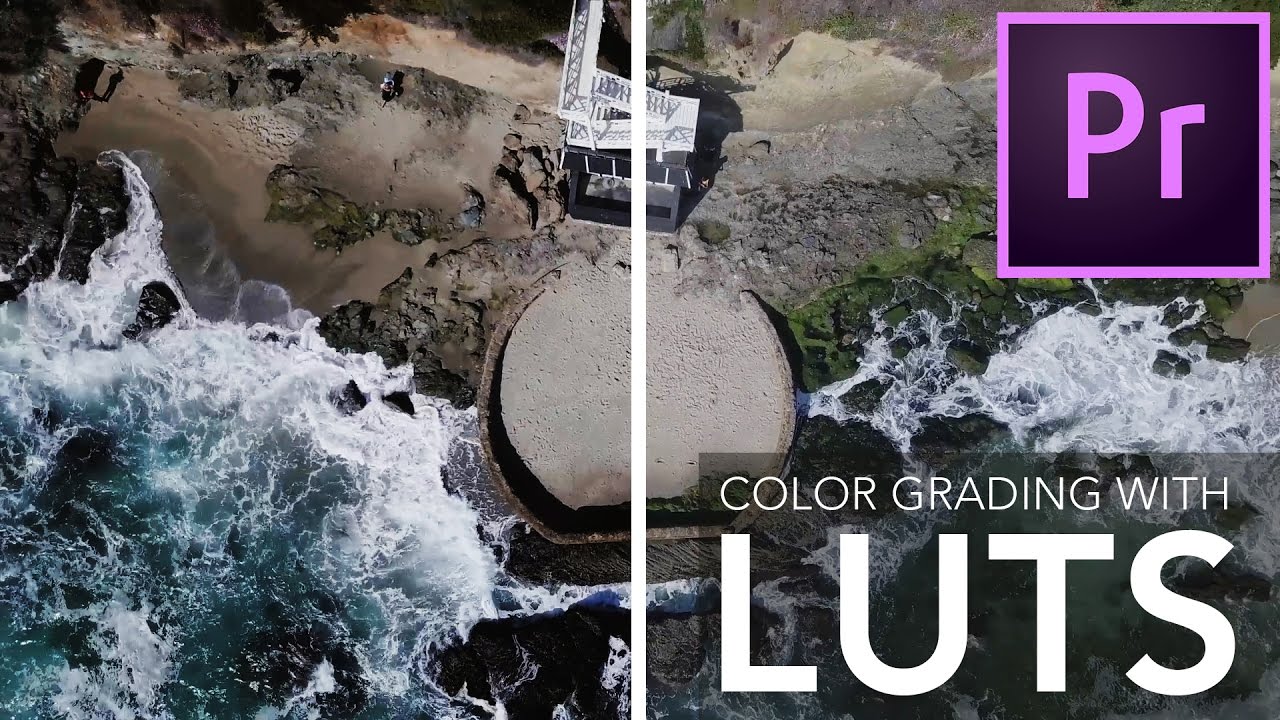
LUTs in Premiere Pro: How Mango Street's Color Grading Workflow Actually Works

Most of my working life lives in Lightroom. Photo presets, tone curves, HSL panels - that’s my comfort zone. But clients keep asking me to weigh in on their video footage too, and for a long time I was quietly terrified every time someone dropped a .mov file on my desk. Video color grading has its own ecosystem: dedicated software, hardware scopes, colorists who have spent years just on this one discipline.

Color Grading in Adobe Camera Raw: The Lightroom Trick Photoshop Users Are Sleeping On

Color Grading in Adobe Camera Raw: The Lightroom Trick Photoshop Users Are Sleeping On

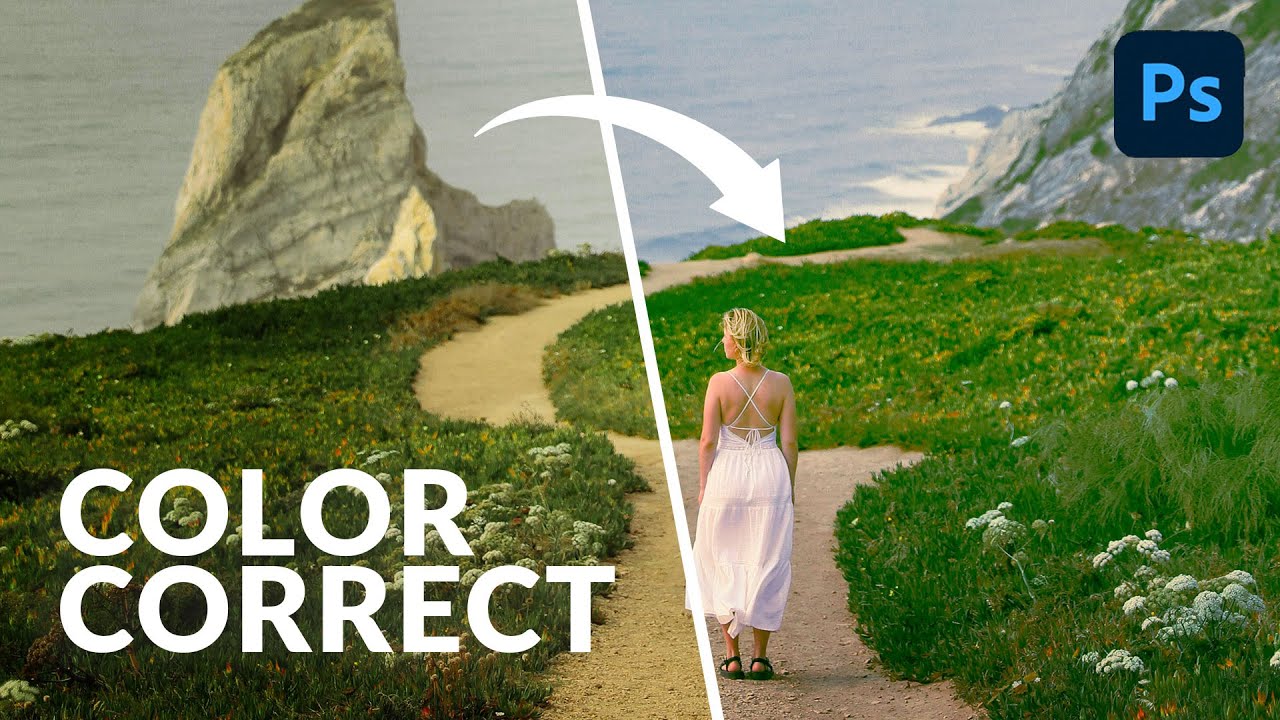
Most of my color grading happens in Lightroom. That’s just the reality of my workflow. But I’ve had clients send me layered Photoshop files and ask for “that warm, filmy look” - and jumping between apps to pull it off is the kind of friction that quietly kills your afternoon. What I didn’t realize until recently is that I’ve been making it harder than it needs to be. In this Aaron Nace (PHLEARN) tutorial, he walks through the Camera Raw filter inside Photoshop and shows how it gives you access to the exact same color grading tools you’d use in Lightroom Classic, Lightroom mobile, or Lightroom desktop.

Lightroom's April 2023 Update Has One Feature That Actually Changes How I Edit

Lightroom's April 2023 Update Has One Feature That Actually Changes How I Edit

Noise has always been the tax you pay for shooting in low light. You get the shot, you get the grain, and then you spend an uncomfortable amount of time in the Detail panel trying to recover something that looks like a photograph and not a bowl of oatmeal. I’ve tried every third-party plugin, every slider combination, every “just add a little luminance reduction and pray” workaround. Some of them work okay.

Split Toning Is the Reason Your Photos Look Flat (And How to Fix It in Lightroom)

Split Toning Is the Reason Your Photos Look Flat (And How to Fix It in Lightroom)

I was editing press shots for my band at 1 a.m., vinyl copy of Rumours spinning in the background, when I realized something was wrong with every single photo. They were sharp, exposed correctly, white balance was fine. But they looked like nothing. Like stock photos of a band rather than an actual band. I spent an hour dragging sliders I didn’t understand before I accidentally landed on something that changed the whole image.

How Jessica Kobeissi Edits Outdoor Portraits in Lightroom (And What I Stole From Her Workflow)

How Jessica Kobeissi Edits Outdoor Portraits in Lightroom (And What I Stole From Her Workflow)

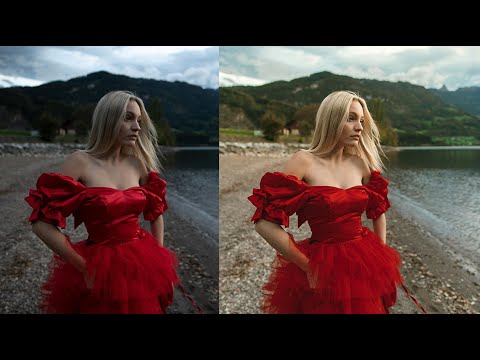
Most of my go-to editing habits were built by watching other photographers work out loud. Not reading about theory, not studying color wheels. Watching someone actually move sliders and second-guess themselves and change their mind three times before landing somewhere great. That’s the kind of tutorial that actually sticks. In this Jessica Kobeissi tutorial on editing outdoor portraits in Lightroom, that’s exactly what you get. She walks through a set of photos shot at different times of day, each with its own lighting challenge, and works through exposure, tone, and color grading in a way that feels more like watching a real editing session than a polished classroom demo.

Work Smarter in Lightroom: How Batch Editing Saves Hours on Every Shoot

Work Smarter in Lightroom: How Batch Editing Saves Hours on Every Shoot

There’s a version of me from about six years ago who spent three hours editing forty-seven press photos one by one. Same lighting conditions, same camera, same location — and I manually adjusted every single frame like some kind of masochist. If I’d known then what I know now about batch editing in Lightroom Classic, I could have wrapped that job before the record finished spinning. That’s not an exaggeration. Batch editing is genuinely one of those techniques that changes how you think about post-processing.

How to Shift an Entire Photo's Tone in Photoshop Using Five Adjustment Layers

How to Shift an Entire Photo's Tone in Photoshop Using Five Adjustment Layers

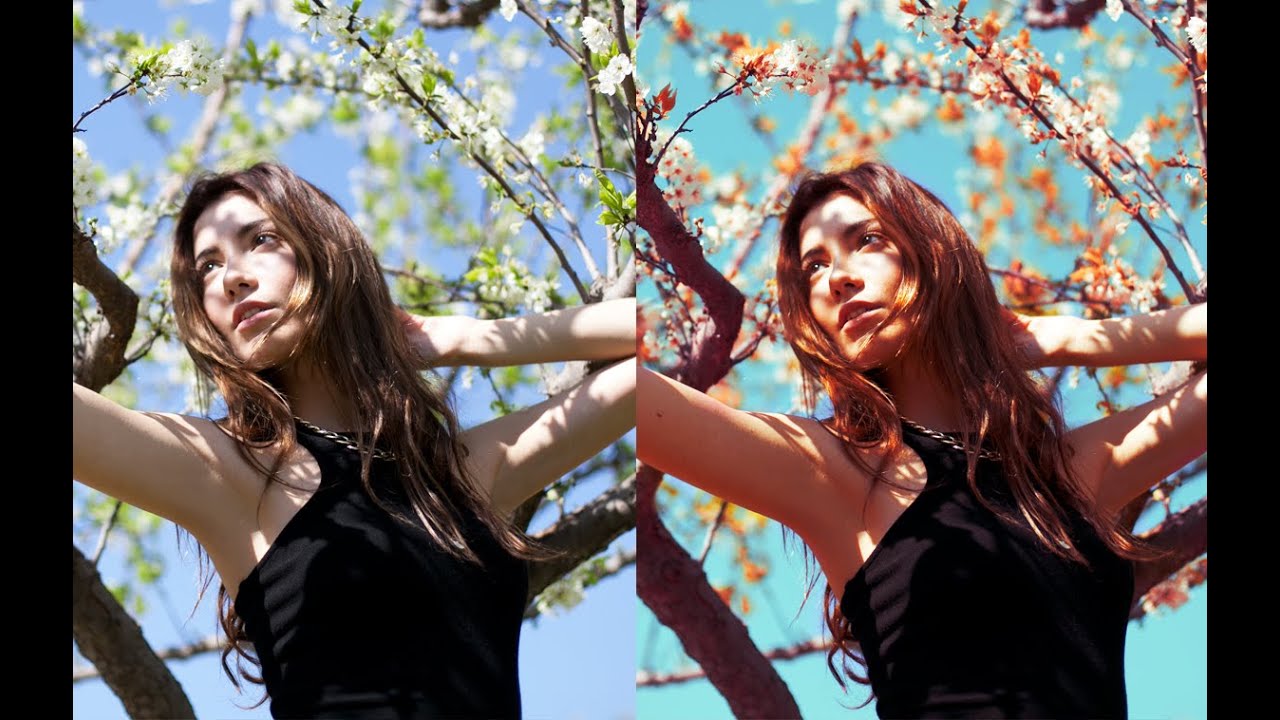
There’s a specific frustration every portrait photographer knows: you nail the shot, the subject looks great, but the background is working against you. The sky is flat, the leaves are the wrong shade, and the overall color story feels like it belongs to a different image. You can push sliders in Lightroom all afternoon and still not get the nuanced control you actually want. That’s the gap this technique fills.

The Sky Masking Trick That Changed How I Edit Landscape Photos in Lightroom

The Sky Masking Trick That Changed How I Edit Landscape Photos in Lightroom

There’s a specific kind of frustration that landscape photographers know well. You’re standing somewhere incredible, the sky is doing something wild, the light is golden and dramatic, and you think “this is the shot.” Then you get home, open Lightroom, and the image looks like a weather forecast graphic. Flat. Lifeless. The drama you felt in person just didn’t make it through the lens, and no amount of crushing the highlights slider seems to fix it without wrecking everything else in the frame.